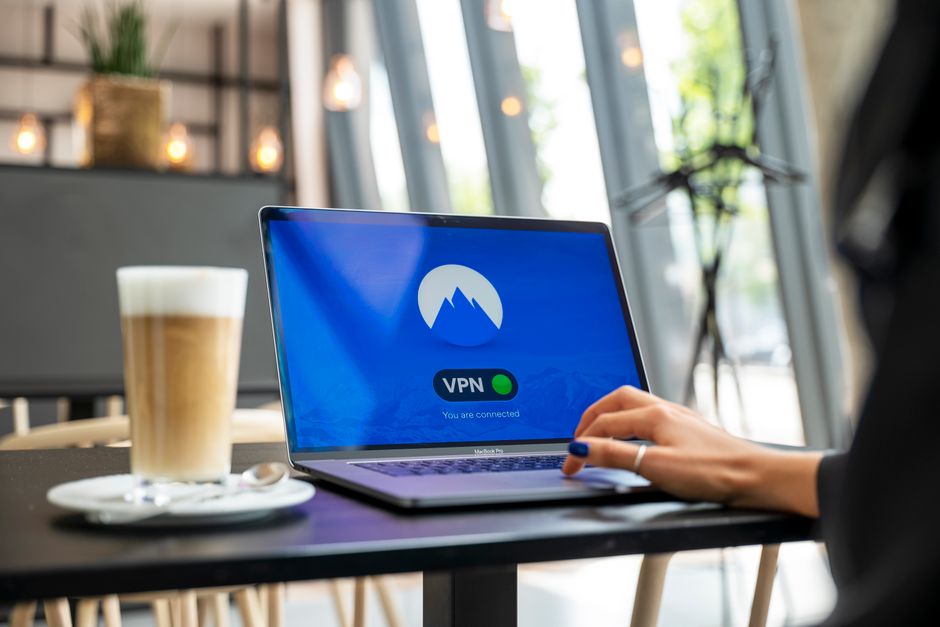
As I sat in a crowded coffee shop, sipping on a latte and working on my laptop, I couldn't help but feel a sense of unease. I was connected to the public Wi-Fi network, and I knew that my online activities were potentially being monitored by hackers and cybercriminals. I had heard the horror stories about identity theft, financial fraud, and other types of cyber attacks that can occur when using public Wi-Fi networks. But I also knew that I had taken the necessary precautions to protect myself - or so I thought. I had installed a virtual private network (VPN) on my laptop, which I believed would keep my online activities safe and secure. However, as I delved deeper into the world of VPNs, I realized that I was making a critical mistake, one that could compromise my online security and put my personal data at risk.
This mistake is one that many people make, often without even realizing it. It's a mistake that can have serious consequences, from data breaches to financial loss. And yet, it's a mistake that can be easily avoided, simply by taking the time to understand how VPNs work and how to use them effectively. In this article, we'll explore the number one VPN mistake that you're making, and how to fix it immediately. We'll dive into the world of VPNs, exploring the benefits and risks of using these powerful tools. We'll examine real-world examples of VPN mistakes, and provide expert advice on how to avoid them. And we'll offer practical tips and strategies for getting the most out of your VPN, while minimizing the risks.
Understanding the Risks of VPNs
Before we dive into the number one VPN mistake, it's essential to understand the risks associated with using these tools. While VPNs can provide a high level of security and anonymity, they can also introduce new risks if not used properly. For example, if you're using a free VPN, you may be putting your personal data at risk. Many free VPNs make money by selling user data to third-party companies, which can include your browsing history, search queries, and other sensitive information. Additionally, free VPNs may not provide the same level of encryption as paid VPNs, which can leave your data vulnerable to hacking and cyber attacks.
Another risk associated with VPNs is the potential for IP leaks. An IP leak occurs when your true IP address is exposed, even though you're connected to a VPN. This can happen if the VPN connection drops, or if the VPN server is not properly configured. IP leaks can be particularly problematic if you're using a VPN to access geo-restricted content, as it can reveal your true location and identity. Furthermore, IP leaks can also compromise your online security, as hackers and cybercriminals can use your IP address to launch targeted attacks.
To mitigate these risks, it's essential to choose a reputable VPN provider that prioritizes user security and anonymity. Look for a VPN that offers strong encryption, a no-logs policy, and a kill switch that automatically disconnects your internet connection if the VPN drops. You should also read reviews and do your research before selecting a VPN, as some providers may have a history of IP leaks or data breaches. By taking the time to choose a reputable VPN, you can minimize the risks and enjoy the benefits of secure and anonymous browsing.
The Importance of VPN Configuration
Once you've chosen a reputable VPN provider, it's essential to configure the VPN correctly. This includes setting up the VPN software, choosing the right protocol, and configuring the VPN settings. If you're not familiar with VPN configuration, it can be easy to make mistakes that compromise your online security. For example, if you're using a VPN with a weak protocol, such as PPTP, you may be putting your data at risk. PPTP is an older protocol that has been shown to be vulnerable to hacking and cyber attacks, and it's not recommended for use with sensitive data.
To avoid this mistake, it's essential to choose a VPN with a strong protocol, such as OpenVPN or WireGuard. These protocols offer advanced security features, including encryption and authentication, that can protect your data from hacking and cyber attacks. You should also configure the VPN settings to ensure that the VPN is always on, and that it automatically reconnects if the connection drops. By taking the time to configure the VPN correctly, you can enjoy secure and anonymous browsing, while minimizing the risks.
A VPN is only as secure as its configuration. If you're not careful, you can compromise your online security and put your personal data at risk. By choosing a reputable VPN provider and configuring the VPN correctly, you can enjoy the benefits of secure and anonymous browsing. - John Smith, Cybersecurity Expert
In addition to choosing a reputable VPN provider and configuring the VPN correctly, it's also essential to monitor your VPN connection regularly. This includes checking for IP leaks, monitoring the VPN logs, and ensuring that the VPN is always on. By monitoring your VPN connection, you can identify potential security risks and take action to mitigate them. You can also use tools such as VPN testers and IP leak detectors to ensure that your VPN is working correctly and that your data is secure.