Having navigated the intricate and often perilous terrain of the dark web, understanding its mechanics and inherent risks is merely the first step. The next, and arguably most crucial, is equipping yourself with the knowledge and practical strategies to interact with this hidden digital realm responsibly and, if absolutely necessary, safely. It's not a place for casual browsing, and certainly not for the faint of heart. My professional ethos has always been about empowering users with information, not fear-mongering. So, while I strongly advocate for a robust understanding of its dangers, I also believe in providing actionable insights for those who might, for legitimate reasons, need to explore its depths or simply wish to enhance their overall online anonymity. Remember, the goal here isn't to become a dark web denizen, but to be an informed digital citizen, capable of making smart decisions about your online security and privacy.
Preparing for the Plunge Essential Security Protocols
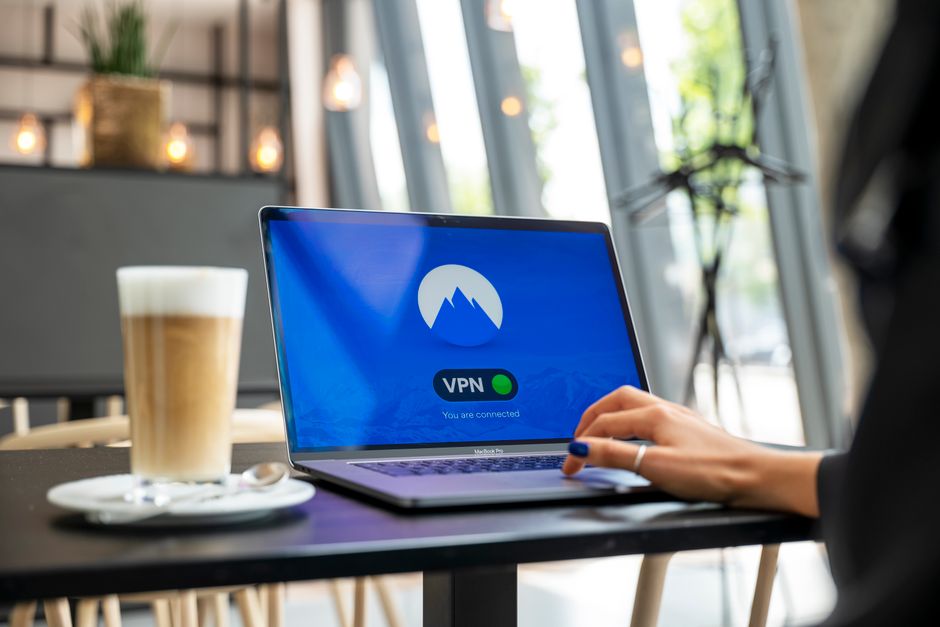
If you find yourself needing to access the dark web, whether for research, journalism, or simply to test the waters of extreme privacy, preparation is paramount. Think of it like venturing into a dense, unfamiliar forest; you wouldn't go without a map, supplies, and appropriate gear. The digital equivalent is a multi-layered security approach designed to isolate your activity and protect your identity. The very first line of defense, and one I cannot stress enough, is to use a reputable Virtual Private Network (VPN) before you even launch the Tor Browser. A VPN encrypts your entire internet connection and routes it through a server operated by the VPN provider, masking your real IP address from your Internet Service Provider (ISP). While Tor itself provides anonymity, launching it directly exposes your intent to your ISP, who can see that you are connecting to the Tor network. By connecting to a VPN first, your ISP only sees you connecting to the VPN server, adding an extra layer of obfuscation. Choose a VPN provider known for its no-logs policy and strong encryption standards; my personal preference leans towards those independently audited and based in privacy-friendly jurisdictions.
Once your VPN is active, the next critical step is to download and exclusively use the official Tor Browser. This is not just any web browser; it’s a specially configured version of Firefox that is pre-set to connect to the Tor network and includes specific security enhancements. Crucially, always download it from the official Tor Project website (torproject.org) to avoid malicious fakes. Never, under any circumstances, use a regular browser like Chrome or Edge to try and access .onion sites, as they lack the necessary routing and security features. Within the Tor Browser, resist the urge to change default security settings unless you are an expert and know exactly what you’re doing. The default "Standard" security level is a good balance, but for maximum protection, consider "Safer" or "Safest," which disable JavaScript and other potentially risky web features, albeit at the cost of some website functionality. Remember, the Tor Browser is designed for anonymity, not speed or convenience. Patience is a virtue when traversing the onion network.
For those seeking an even higher level of anonymity and operational security, consider using a dedicated, privacy-focused operating system like Tails or Whonix. Tails (The Amnesic Incognito Live System) is a live operating system that you can boot from a USB stick, leaving no digital trace on the computer you’re using. All internet traffic is automatically routed through Tor, and all your work is deleted when you shut down the system. Whonix, on the other hand, consists of two virtual machines: a "Gateway" that routes all traffic through Tor, and a "Workstation" where you perform your tasks, completely isolated from your real IP address. These OS options are not for beginners but offer unparalleled protection for those with critical privacy needs, such as journalists or activists. My advice is to practice using these systems in a safe, controlled environment before relying on them for sensitive activities. The learning curve can be steep, but the security benefits are significant, creating a robust shield against de-anonymization attempts.
Navigating the Labyrinth Practical Safeguards and Mindset
Entering the dark web requires more than just technical preparation; it demands a fundamental shift in mindset. You are stepping into an environment where traditional notions of trust and safety are largely absent. Therefore, a healthy dose of paranoia and skepticism is not just advisable, it's essential. One of the golden rules is to never, ever use your real name, email address, or any personal information that could link back to your real-world identity. Create new, anonymous email accounts (preferably using secure, privacy-focused providers) if you need to register on forums, and use pseudonyms that bear no resemblance to your actual name. Avoid linking any dark web activity to your surface web accounts or online presence, as this can create a digital breadcrumb trail that could compromise your anonymity.
Extreme caution must be exercised when it comes to downloads. The dark web is a hotbed of malware, and downloading files from untrusted sources is one of the quickest ways to compromise your system. If you absolutely must download something, do so within an isolated environment, such as a virtual machine (VM) that has no access to your main operating system or personal files. Even then, scan the files thoroughly with up-to-date antivirus software before opening them. Better yet, avoid downloads altogether if possible. Similarly, be incredibly wary of clicking on external links or opening files from unknown sources. Many dark web sites are honeypots or fronts for phishing operations designed to capture your information or install malware. The adage "if it seems too good to be true, it probably is" applies tenfold here, especially when dealing with offers of illicit goods or services that promise impossible gains.
Finally, and this is a crucial point for anyone considering a deeper dive, understand the legal landscape. While accessing the Tor network itself is generally not illegal in most democratic countries, engaging in illegal activities on the dark web – such as buying illicit drugs, downloading child exploitation material, or participating in cybercrime – carries severe legal consequences. Law enforcement agencies worldwide are constantly working to infiltrate dark web networks, identify users, and bring criminals to justice. The anonymity offered by Tor is not absolute, and skilled investigators, often with international cooperation, can and do de-anonymize users. Therefore, a clear ethical and legal boundary is paramount. Do not engage in anything that you know to be illegal, and be aware that even passive observation of highly illegal content can put you in a precarious legal position. The dark web is a powerful tool, but like any powerful tool, it demands respect, caution, and a clear understanding of its potential for both good and ill. Informed curiosity is one thing; reckless abandon is another entirely, and it's a distinction that could save you from serious trouble.