While cultivating a sharp eye for deception and a rigorous verification process are paramount, these human-centric defenses need to be bolstered by robust technological safeguards. Think of it like building a fortress: you need vigilant guards at the gates, but you also need strong walls, reinforced doors, and advanced alarm systems. Fortifying your digital defenses means leveraging the tools and practices designed to prevent unauthorized access, detect malicious activity, and recover quickly if a breach does occur. This isn't about becoming a tech wizard; it's about intelligently deploying readily available security features and maintaining good digital hygiene. These layers of technological protection act as a crucial safety net, catching threats that might slip past even the most careful human scrutiny, providing a vital second line of defense against the ever-evolving tactics of cybercriminals. It's a symbiotic relationship where human vigilance complements technological strength, creating an impenetrable barrier.
Building a Digital Fortress Implementing Smart Security Measures
One of the most fundamental yet frequently overlooked aspects of digital security is the strength and uniqueness of your passwords. A weak password is like leaving your front door unlocked; it’s an open invitation for criminals. Phishing often aims to steal these very credentials, and if you're using the same weak password across multiple accounts, a single successful phishing attack can grant attackers access to your entire digital life. The solution is straightforward: use long, complex, and unique passwords for every single online account. A truly strong password should be at least 12-16 characters long, incorporating a mix of upper and lowercase letters, numbers, and symbols. Memorizing dozens of such complex passwords is, for most people, an impossible feat. This is where a reputable password manager becomes an indispensable tool. Tools like LastPass, 1Password, Bitwarden, or Dashlane securely store all your passwords behind a single, strong master password, generate complex unique passwords for new accounts, and even autofill them, eliminating the need for you to remember anything but your master key. This not only enhances security but also significantly improves convenience, making strong password practices effortlessly manageable.
Beyond robust passwords, enabling Two-Factor Authentication (2FA) or Multi-Factor Authentication (MFA) is perhaps the single most impactful technological defense you can implement against phishing. Even if a phisher manages to steal your username and password, 2FA acts as a critical second barrier, requiring an additional piece of information that only you possess – typically a code sent to your phone, generated by an authenticator app, or a physical security key. This means that without access to your physical device or security key, the stolen credentials are largely useless to the attacker. I cannot stress enough how vital 2FA is; it dramatically reduces the success rate of credential-stuffing attacks and makes phishing attempts far less potent. Most major online services, from email providers to social media platforms and banking apps, now offer 2FA, and you should enable it on every single account where it's available. It’s a small extra step during login that provides an exponential increase in security, turning a potential disaster into a minor inconvenience for the attacker.
Keeping your software updated is another critical, often neglected, component of your digital fortress. Operating systems (Windows, macOS, Linux, iOS, Android), web browsers (Chrome, Firefox, Edge, Safari), and all installed applications are constantly being patched by their developers to fix newly discovered security vulnerabilities. Cybercriminals actively seek out these flaws, and if your software is outdated, you're essentially leaving known backdoors open for them to exploit. Many phishing attacks rely on these vulnerabilities to deliver malware or gain unauthorized access to your system, even if you don't click a malicious link directly. Setting your devices and applications to update automatically is the simplest way to ensure you're always running the most secure versions. While updates can sometimes be annoying, the minor inconvenience pales in comparison to the potential devastation of a security breach. It's a proactive measure that closes known gaps before attackers can exploit them, ensuring your digital environment remains as resilient as possible against emerging threats.
Advanced Layers of Protection Enhancing Your Digital Armor
While the basics like strong passwords and 2FA are non-negotiable, there are additional layers of protection that can further enhance your digital security posture. Investing in a reputable antivirus and anti-malware software suite is a smart move. These programs run continuously in the background, scanning files, emails, and web traffic for known threats, and actively blocking or quarantining malicious content before it can harm your system. While not foolproof against zero-day attacks, they are highly effective against the vast majority of common malware variants often delivered via phishing. Regularly scheduled scans and ensuring the software's definition files are always up-to-date are crucial for its effectiveness. Think of it as having a dedicated security guard for your computer, constantly vigilant against incoming threats, acting as an essential safeguard against the digital pathogens that phishers often deploy.
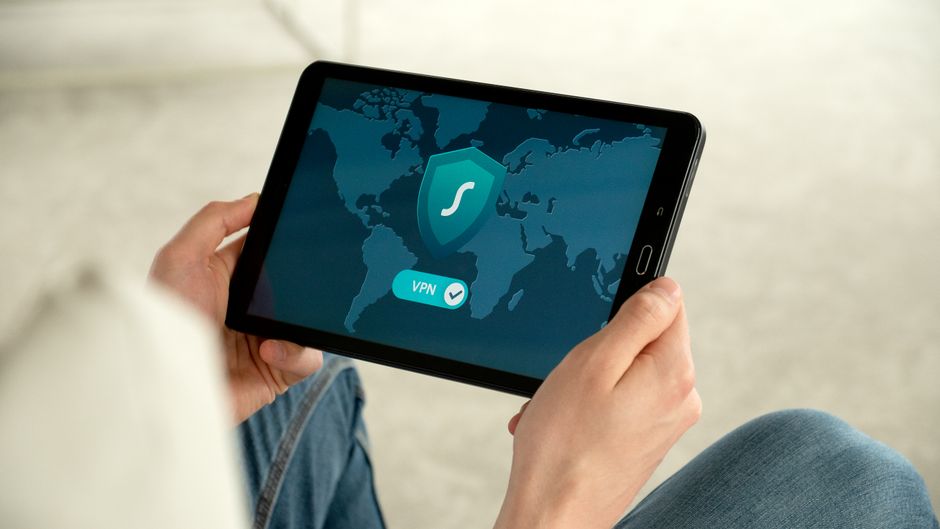
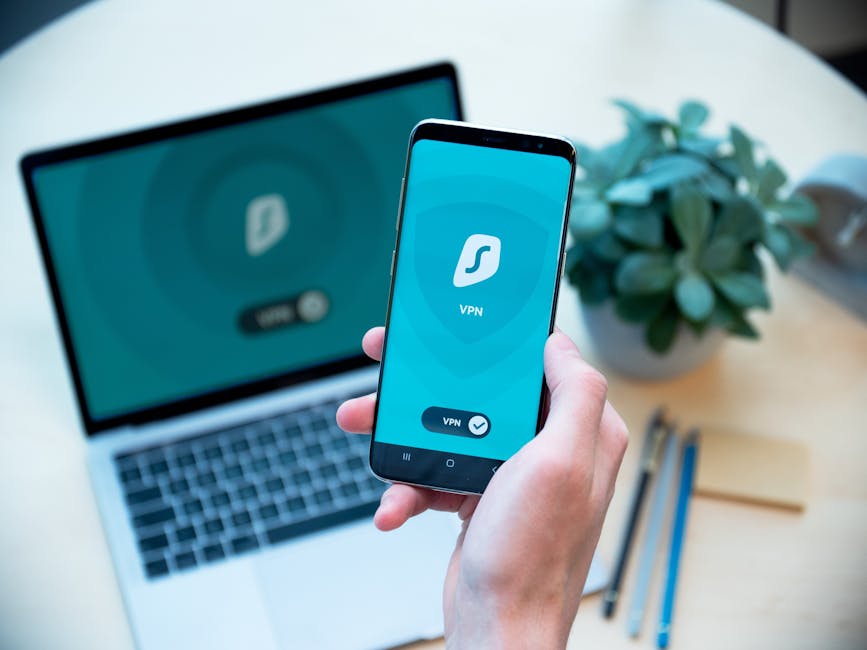
For those looking for an extra layer of privacy and security, especially when connecting to public Wi-Fi networks, a Virtual Private Network (VPN) is an invaluable tool. While a VPN doesn't directly prevent phishing emails from reaching your inbox, it encrypts your internet traffic, making it unreadable to snoopers and making it harder for attackers to intercept your data, especially on unsecure networks. This adds a significant layer of protection when you're browsing or logging into accounts outside the safety of your home network. Furthermore, some VPN services offer built-in ad blockers and malicious website filters, which can help prevent you from accidentally landing on known phishing sites, even if you do inadvertently click a bad link. While not a primary phishing defense, it contributes to an overall stronger cybersecurity posture, making your online activities more private and harder to track, thereby reducing your overall attack surface.
Finally, consider the security settings within your email client and web browser. Most modern email services (Gmail, Outlook, etc.) have sophisticated spam filters and phishing detection algorithms that automatically flag or quarantine suspicious emails. Ensure these features are enabled and report any phishing attempts you receive to help train these systems. Similarly, web browsers often include built-in phishing and malware protection that warns you before you visit a known malicious site. Keep these protections active. Additionally, consider using browser extensions that enhance security, such as those that check link reputations or block malicious scripts, though always be cautious about which extensions you install, as some can introduce their own vulnerabilities. By actively managing these settings and leveraging available tools, you're not just reacting to threats; you're proactively building a resilient digital environment, making it significantly harder for phishers to penetrate your defenses and ensuring your online journey remains secure.