Navigating the Perilous Waters of the Internet with Vigilance
The internet, for all its wonders, is also a vast ocean teeming with unseen predators. While we've discussed fortifying your digital gates with strong passwords and multi-factor authentication, and securing your backdoors through software updates and privacy settings, these measures are ultimately reactive. To truly safeguard your digital life, you must also develop a keen sense of awareness and vigilance, learning to identify and deflect the direct attacks that come knocking on your virtual door. The most prevalent and insidious of these attacks are phishing and social engineering schemes, which don't exploit technical vulnerabilities in your software but rather target the human element – your trust, your curiosity, your fear, or your desire for convenience. Cybercriminals understand that even the most technically secure system can be compromised if a human user can be tricked into giving away their credentials, clicking a malicious link, or downloading an infected file. It's a battle of wits, a psychological game where the attackers manipulate emotions and exploit cognitive biases to bypass all the technological defenses you've carefully put in place. This human vulnerability is often cited as the weakest link in any security chain, and understanding its dynamics is paramount to transforming yourself from a potential victim into a discerning, resilient digital citizen. This critical aspect of your 5-minute cyber checkup involves training your mind to recognize the subtle red flags that often precede a major digital disaster, allowing you to react with caution rather than falling prey to deception.
The art of digital deception has evolved dramatically, moving far beyond the crude, grammatically incorrect emails of yesteryear. Today's phishing attacks are incredibly sophisticated, often meticulously crafted to mimic legitimate communications from trusted entities like your bank, your employer, a popular online retailer, or even government agencies. They leverage current events, popular trends, and personalized information to make their lures almost indistinguishable from genuine messages. The goal is always the same: to trick you into revealing sensitive information (like passwords, credit card numbers, or social security details) or to execute a malicious action (like clicking a link that downloads malware or redirects you to a fake login page). The psychological tactics employed are varied and potent. Urgency is a common theme ("Your account will be suspended if you don't act now!"). Fear is another powerful motivator ("Suspicious activity detected! Click here to verify your identity!"). Curiosity ("You've received a package!" or "Look at these photos of you!") can also lead to impulsive clicks. Many attacks are now "spear phishing," highly targeted campaigns where the attacker has researched their victim, using personal details to make the email seem even more legitimate and trustworthy. The sheer volume of these attacks means that even with sophisticated email filters, some will inevitably slip through, landing directly in your inbox and testing your vigilance. It's a constant barrage, and your ability to discern genuine communications from malicious ones is a skill that requires conscious development and regular reinforcement.
The Art of Digital Deception Spotting and Deflecting Phishing and Social Engineering Attacks
Let's dissect the anatomy of a typical phishing email, understanding the tell-tale signs that, once recognized, can save you from a world of trouble. First, scrutinize the sender's email address. While the display name might appear legitimate (e.g., "Amazon Support"), hovering over it (or tapping on mobile) often reveals a suspicious, mismatched email address (e.g., "[email protected]" instead of "[email protected]"). This is often the quickest and easiest red flag to spot. Second, pay close attention to the grammar, spelling, and formatting. While more sophisticated attacks are improving, many still contain subtle errors or inconsistencies that a legitimate organization would never make. Third, examine the links. *Never* click on a link directly from a suspicious email. Instead, hover over the link (without clicking!) to see the actual URL it points to. If it doesn't match the expected domain (e.g., "bank-secure-login.com" instead of "yourbank.com"), it's almost certainly malicious. Even if it looks similar, check for subtle misspellings or extra characters. Fourth, be wary of unusual requests or a sense of urgency. Legitimate organizations rarely demand immediate action or threaten account suspension without prior notice. They also won't ask you to verify sensitive information directly via email. Fifth, consider the context. Did you expect this email? Does it align with your recent activities? If you don't have an Amazon order, why are you getting a shipping notification? A healthy dose of skepticism is your best defense. These aren't just minor details; they are critical clues left by the attackers, and learning to identify them is a skill that can be developed with practice.
Beyond email, phishing tactics extend to other platforms. "Smishing" involves malicious text messages, often prompting you to click a link to track a package or claim a prize. "Vishing" uses phone calls, where scammers impersonate bank representatives or tech support, trying to trick you into revealing information or granting remote access to your computer. Social media platforms are also ripe for social engineering, with fake profiles or compromised accounts sending malicious links or befriending users to gain trust and extract information. A particularly dangerous variant is "whaling," which targets high-level executives, often impersonating a CEO to trick an employee into wiring funds or divulging confidential data. The human element is consistently the weakest link because attackers leverage our natural tendencies: our desire to be helpful, our fear of missing out, our anxiety about potential problems, and our general trust in authority. The psychological manipulation is often so expertly applied that even tech-savvy individuals can fall victim when caught off guard or under pressure. Consider the real-world example of the Twitter hack in 2020, where attackers gained access to high-profile accounts (including Elon Musk, Bill Gates, and Apple) through a social engineering scheme targeting Twitter employees. The goal was to promote a Bitcoin scam, but the attack demonstrated the power of human manipulation even against robust corporate security. This highlights that no one is immune, and continuous vigilance is absolutely essential.
"The firewall is only as strong as the human behind it. Social engineering bypasses technology by exploiting trust." - (A well-known cybersecurity axiom).
To effectively deflect these attacks, cultivate a habit of critical thinking before you click, respond, or share. If an email or message seems even slightly off, stop. Do not click any links or open attachments. Instead, independently verify the request. If it claims to be from your bank, go directly to your bank's official website by typing the URL into your browser, or call them using a number you know to be legitimate (not one provided in the suspicious message). If it's about a package, go to the courier's official website and enter your tracking number there. If it's from a friend on social media sending a strange link, message them separately to confirm it's really them and not a compromised account. Many email clients and browsers now offer built-in phishing warnings, but these are not foolproof. Your own judgment remains your strongest defense. Regular exposure to examples of phishing scams, perhaps through online quizzes or educational resources provided by cybersecurity organizations, can help train your eye to spot the red flags more quickly. This proactive approach, making "verify before you trust" a core tenet of your online interactions, is a fundamental part of your 5-minute cyber checkup. It's about empowering yourself with skepticism, turning every suspicious message into an opportunity to reinforce your defenses rather than becoming another statistic. By adopting this vigilant mindset, you significantly reduce your susceptibility to the most common and damaging forms of cyberattack, transforming a moment of potential vulnerability into a moment of informed self-protection.
Your Digital Safe Haven Bolstering Home Network Security and Smart VPN Usage
While phishing targets you directly, another critical aspect of your digital security lies in the very infrastructure you use to connect to the internet: your home network and your approach to public Wi-Fi. Your home Wi-Fi router is essentially the digital front door to your entire connected life. It’s the gateway through which all your devices – computers, smartphones, tablets, smart TVs, IoT gadgets – access the internet. A compromised router can provide an attacker with a direct pipeline to all your network traffic, allowing them to snoop on your browsing, steal credentials, or even launch attacks against your connected devices. Yet, many people treat their router with a "set it and forget it" mentality, often leaving default passwords in place or neglecting crucial security configurations. This oversight is a glaring vulnerability, as attackers actively scan for routers with default credentials or known firmware vulnerabilities, treating them as easy targets. Similarly, the allure of free public Wi-Fi in cafes, airports, or hotels often blinds users to the inherent dangers, turning a convenient connection into a potential data leak. Understanding these network-level risks and implementing smart safeguards, including the strategic use of a Virtual Private Network (VPN), is a non-negotiable part of a comprehensive 5-minute cyber checkup, ensuring that the very pathways you use to access the internet are secure and private.
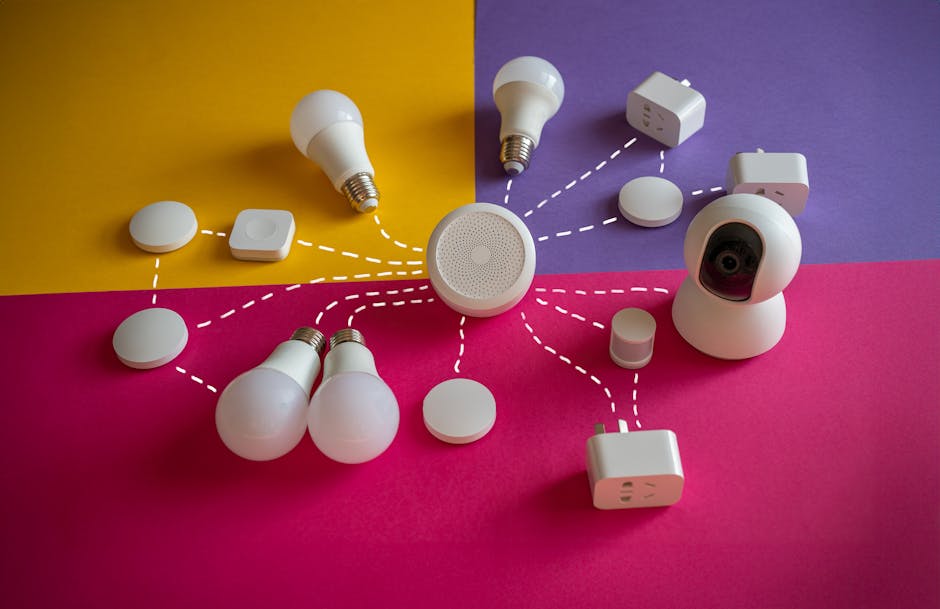
Let's first address your home network, the presumed safe haven for your digital life. The first, and arguably most important, step is to change your router's default administrative password. Manufacturers often use easily guessable default credentials (like "admin/admin" or "admin/password"), which are widely known and exploited by attackers. Log into your router's administration interface (usually by typing its IP address, like 192.168.1.1, into your browser) and immediately change this password to a strong, unique one, ideally generated by your password manager. Next, ensure your Wi-Fi network is using robust encryption, specifically WPA2 or, even better, WPA3. Older standards like WEP or WPA are easily crackable and offer virtually no protection. Check your Wi-Fi password; is it strong and unique? Avoid sharing your main Wi-Fi password indiscriminately. Instead, enable a guest network on your router, which provides internet access to visitors while isolating them from your main network and devices. This prevents potential malware from a guest's device from spreading to your home network. Furthermore, consider the security of your Internet of Things (IoT) devices – smart cameras, thermostats, doorbells, voice assistants. Many of these devices have weak default security and can be exploited to gain access to your network. Keep their firmware updated, change default passwords, and if possible, isolate them on a separate network segment or guest network to limit their exposure. Your home network should be a fortress, not a porous sieve, and these fundamental steps are crucial to building that resilience.
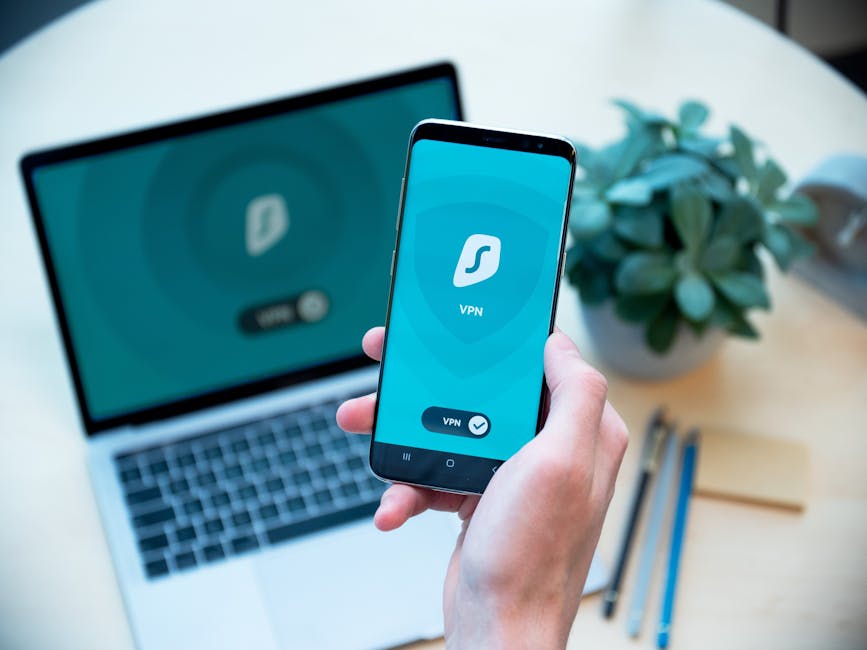
Now, let's venture outside the safety of your home network into the wild west of public Wi-Fi. The convenience of free Wi-Fi is often overshadowed by significant security risks. Public Wi-Fi networks are inherently insecure because they are often unencrypted and shared by numerous unknown users. This makes them fertile ground for "man-in-the-middle" (MITM) attacks, where an attacker intercepts communication between your device and the internet. They can read your unencrypted data, steal login credentials, inject malware into your browsing sessions, or even redirect you to fake websites. Even if a public Wi-Fi network is password-protected, it doesn't guarantee privacy, as all users share the same network key, making it easy for one malicious user to snoop on others. This is where a Virtual Private Network (VPN) becomes an absolutely indispensable tool. A VPN creates a secure, encrypted tunnel between your device and a server operated by the VPN provider. All your internet traffic passes through this tunnel, shielding it from prying eyes on public Wi-Fi networks, your Internet Service Provider (ISP), and even government surveillance. Your actual IP address is masked, replaced by the VPN server's IP, enhancing your anonymity and making it much harder to track your online activities. Using a VPN on public Wi-Fi is like putting an impenetrable, invisible cloak over your internet connection; it ensures that even if the underlying network is compromised, your data remains secure and private. It's a fundamental layer of defense that no diligent digital citizen should be without when stepping outside their home network.
"Public Wi-Fi is like a public restroom – use it, but try not to touch anything, and always wash your hands (i.e., use a VPN)." - (A humorous but apt analogy from a cybersecurity expert).
Choosing a reputable VPN provider is crucial, as not all VPNs are created equal. Avoid free VPNs, as they often come with hidden costs, such as selling your data, injecting ads, or offering subpar security. Look for paid VPN services with a strong no-logs policy (meaning they don't record your online activities), robust encryption standards (like AES-256), a large network of servers, and a good track record for privacy and security. Popular and well-regarded options include ExpressVPN, NordVPN, Surfshark, and ProtonVPN. Once you subscribe, installing and using a VPN is remarkably simple, usually involving a one-click connection from an intuitive app on your desktop or mobile device. Make it a habit to activate your VPN whenever you connect to any public or untrusted Wi-Fi network. Beyond public Wi-Fi, a VPN can also enhance your privacy at home by encrypting your traffic from your ISP, preventing them from collecting and potentially selling your browsing data. It's not a magic bullet – a VPN won't protect you if you fall for a phishing scam or download malware – but it provides a critical layer of network security and privacy that is essential in today's interconnected world. Integrating VPN usage into your routine, especially when away from your trusted home network, is a powerful and relatively quick step you can take to significantly lock down your digital life, adding another robust shield against the many perils that lurk in the internet's vast and often treacherous waters.