Having explored the internal workings of Google's data collection and the subtle ways our browsers betray our privacy, it's time to shift our focus outwards. Achieving a truly 'invisible mode' isn't just about tweaking settings; it's about adopting a holistic strategy that leverages external tools, alternative platforms, and a fundamental shift in how we approach online interactions. This means moving beyond the confines of a single browser and embracing a broader ecosystem of privacy-enhancing technologies that work in concert to fortify your digital perimeter against the relentless gaze of trackers and data brokers. It’s about building a multi-layered defense, much like a medieval castle, where each wall and moat adds another formidable barrier to entry.
Beyond Chrome Exploring Privacy-Focused Browser Alternatives
While we've spent considerable time discussing how to harden Chrome, the truth is, for ultimate privacy, sometimes the best solution is to simply choose a different tool for the job. Chrome, despite its popularity and feature set, is inherently tied to Google's data-driven business model. Its very architecture and default settings lean towards integration with Google services, making the task of truly isolating yourself from Google's data collection a constant uphill battle. Fortunately, the browser market isn't a monoculture, and several excellent alternatives prioritize user privacy by design, often implementing many of the 'invisible mode' features we've discussed as their default behavior.
Take Brave Browser, for instance. Built on the Chromium engine (the open-source foundation of Chrome), Brave comes with an integrated ad blocker and tracker blocker ("Shields") enabled by default. It automatically upgrades connections to HTTPS whenever possible and even blocks browser fingerprinting attempts. Brave's approach is to actively prevent tracking from the outset, rather than requiring users to manually configure complex settings. This "privacy by default" philosophy makes it an incredibly appealing option for those seeking a more hands-off approach to digital stealth. Another strong contender is Firefox, particularly when combined with its enhanced tracking protection features and a few privacy-focused add-ons. Firefox, developed by the non-profit Mozilla Foundation, has a long-standing commitment to user privacy and open-source principles, making it a natural ally in the fight against pervasive tracking. Its container tabs feature, for example, allows you to isolate different websites into separate "containers," preventing cross-site tracking between them, a truly powerful privacy tool.
For those seeking the absolute pinnacle of anonymity, Tor Browser stands alone. Based on Firefox, Tor routes your internet traffic through a decentralized network of relays operated by volunteers worldwide. Each piece of your data passes through at least three random relays, encrypting it at each step, making it virtually impossible to trace your online activity back to your original IP address. Tor is the gold standard for anonymity, often used by journalists, activists, and anyone operating in environments where surveillance is a real threat. However, it's important to understand that Tor prioritizes anonymity over speed, and its use can sometimes draw unwanted attention due to its association with accessing the dark web. While not suitable for everyday browsing, Tor is an indispensable tool for truly sensitive activities where maximum anonymity is required. Choosing the right browser for different tasks, a concept often called "browser compartmentalization," is a crucial aspect of a sophisticated 'invisible mode' strategy.
Script Blocking and Content Filtering The Digital Bouncers
Even with a privacy-focused browser, the modern web is riddled with scripts and elements designed to track you, serve ads, and gather data. These often come in the form of third-party scripts loaded from advertising networks, analytics providers, and social media widgets. While some scripts are essential for a website's functionality, many are superfluous to your browsing experience and serve only to compromise your privacy. This is where script blocking and content filtering tools become your digital bouncers, deciding what gets through to your browser and what gets blocked at the door. These tools are far more advanced than simple ad blockers, targeting the underlying mechanisms of tracking rather than just the visible advertisements.
Extensions like uBlock Origin are paramount in this defense. It's not just an ad blocker; it's a wide-spectrum content blocker that can filter out malicious domains, tracking scripts, and other unwanted elements based on extensive filter lists. By default, uBlock Origin blocks a vast array of known trackers and ads, significantly reducing your exposure to data collection. For the more technically inclined, it also offers advanced modes where you can manually control which scripts and elements are allowed to load on a per-site basis. This level of granular control, while requiring a bit of learning, grants immense power over your browsing experience, allowing you to selectively disable elements that contribute to your digital fingerprint without breaking essential website functionality.
Other valuable extensions include Privacy Badger, developed by the EFF, which intelligently learns to block trackers as you browse, evolving its protection based on observed behavior. Decentraleyes is another clever tool that protects you against tracking by content delivery networks (CDNs). It locally stores commonly used libraries (like jQuery, Bootstrap, etc.) that websites often load from CDNs. By serving these libraries locally, Decentraleyes prevents your browser from making requests to third-party CDNs, which could otherwise be used to track your browsing habits across different websites. Implementing a robust suite of these content filtering tools is like donning an additional layer of camouflage in your quest for an 'invisible mode,' ensuring that even if a tracker tries to load, it's stopped dead in its tracks.
VPNs The Ultimate Cloaking Device for Your Connection
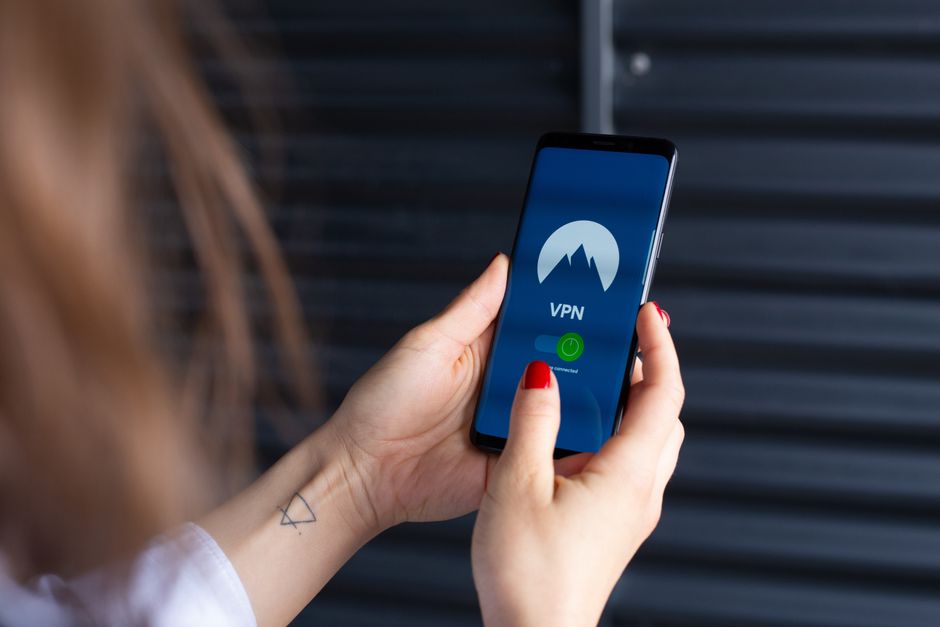
While all the browser tweaks and extensions we've discussed are crucial for obscuring your digital identity at the application level, they don't hide your fundamental connection information: your IP address. Your IP address is like your internet home address, unique to your device or network, and it can reveal your geographic location, your internet service provider, and potentially even your identity. This is where a Virtual Private Network (VPN) steps in as the ultimate cloaking device, providing a foundational layer of privacy that protects your entire internet connection, regardless of which browser or app you're using.
A VPN works by creating an encrypted tunnel between your device and a server operated by the VPN provider. All your internet traffic passes through this tunnel, securing it from your ISP, government surveillance, and anyone else trying to snoop on your network. Crucially, when your traffic exits the VPN server, it appears to originate from the VPN server's IP address, not your own. This effectively masks your real IP address, making it incredibly difficult for websites, advertisers, and even your ISP to trace your online activities back to you. It's like sending your mail through a series of anonymous post offices, each one applying a new return address, before it reaches its final destination. This obfuscation of your true origin is a cornerstone of any serious 'invisible mode' strategy.
Choosing a reputable VPN provider is paramount. Not all VPNs are created equal, and a free VPN, while tempting, often comes at the cost of your privacy, as many free services monetize user data or inject ads. Look for providers with a strict no-logs policy (meaning they don't record your online activity), strong encryption standards (like OpenVPN or WireGuard), a wide network of servers, and a proven track record of transparency and trustworthiness. A good VPN not only hides your IP address but also encrypts your entire internet connection, protecting you from common threats like public Wi-Fi eavesdropping and ISP throttling. It's the essential first step in ensuring your internet connection itself is invisible, providing a secure foundation upon which all other privacy-enhancing techniques can be built. Without a VPN, even the most hardened browser still broadcasts your true location and identity to the world.