Having peeled back the layers of deception surrounding public WiFi and exposed the myriad ways in which our digital lives can be compromised, it’s time to shift our focus from understanding the threats to actively countering them. Knowledge, while crucial, is only half the battle; the other half lies in implementing robust, actionable defenses. The good news is that you don't need to be a cybersecurity expert to safeguard your online presence. With a few strategic tools and a conscious shift in your digital habits, you can transform yourself from a vulnerable target into a formidable digital defender, navigating the public internet with confidence and invisibility. It’s about building a multi-layered shield, creating a personal fortress around your data that even the most determined digital predators will struggle to breach. This final section provides practical, step-by-step guidance, empowering you to reclaim your privacy and fortify your digital defenses against the pervasive public hotspot trap.
My years of experience have taught me that vigilance is a muscle that needs regular exercise, and prevention is always infinitely better than cure. While no defense is absolutely foolproof, by adopting these measures, you significantly reduce your attack surface and make yourself a far less attractive target. Think of it as making your digital self a ghost in the machine, moving silently and securely through potentially hostile networks. It’s about taking control, making informed choices, and actively participating in the protection of your most valuable asset: your personal information. Let’s arm ourselves with the tools and knowledge to stay invisible and secure, transforming every public WiFi connection from a potential trap into a safely navigable pathway.
Your Unbreakable Shield The Indispensable Role of a VPN
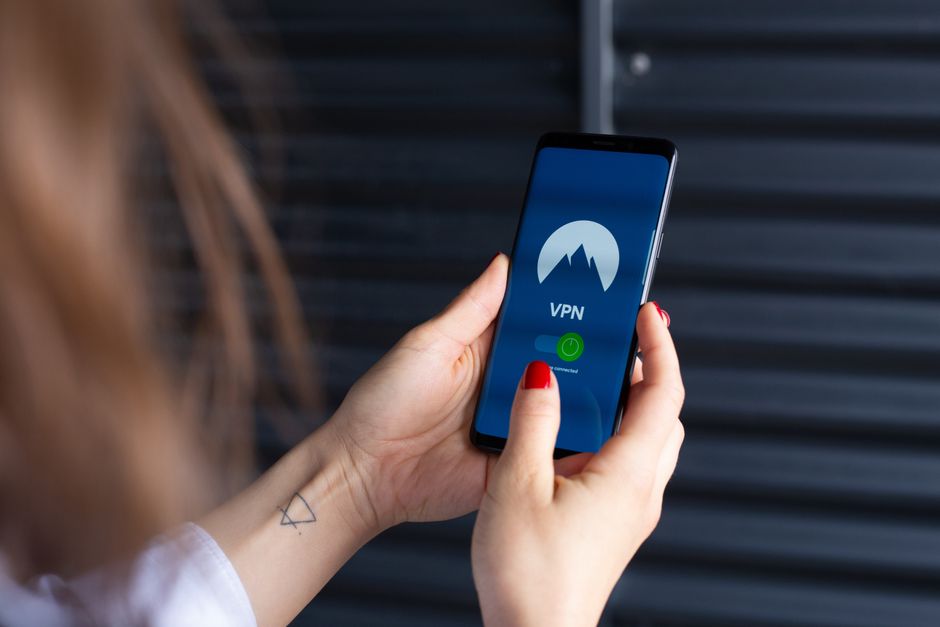
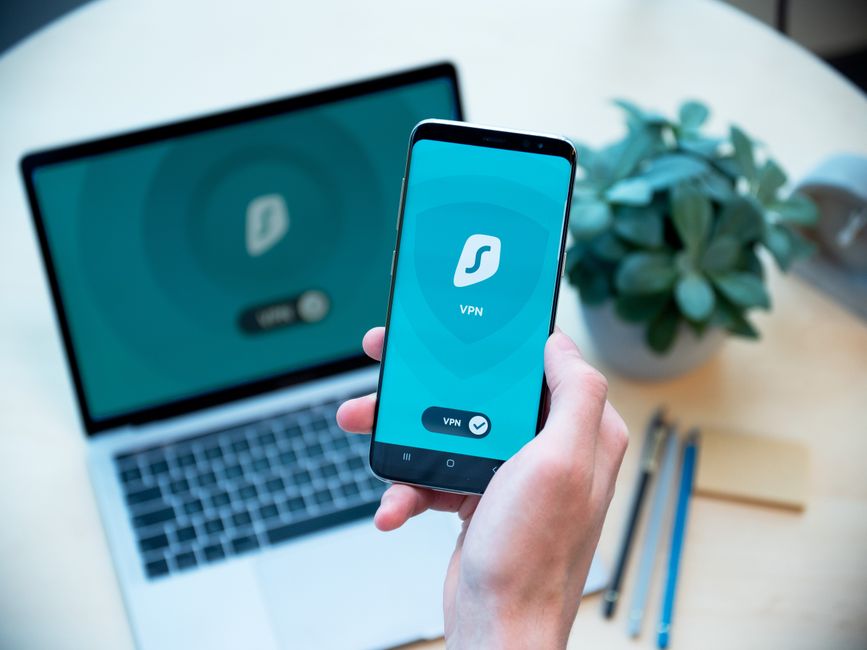
When it comes to securing your data on public WiFi, a Virtual Private Network (VPN) is not just a recommendation; it's an absolute necessity. Think of a VPN as creating a secure, encrypted tunnel between your device and the internet, no matter what underlying network you're connected to. Instead of your data traveling openly from your laptop to the coffee shop's router and then to the internet, it first enters this encrypted tunnel. Inside the tunnel, your data is scrambled, making it unreadable to anyone who might be sniffing packets on the public WiFi network. It then exits the tunnel at a secure VPN server, often located far away, before proceeding to its final destination on the internet. This process effectively makes you invisible to local snoopers and ensures that your online activities remain private and secure.
Here’s how a VPN works its magic: when you connect to a VPN server, your device establishes an encrypted connection, often using robust protocols like OpenVPN, WireGuard, or IKEv2. All your internet traffic is then routed through this encrypted tunnel. This means that even if an attacker on the public WiFi network intercepts your data, all they will see is an unintelligible stream of encrypted characters. They cannot read your emails, see your passwords, or track the websites you visit. Furthermore, a VPN masks your real IP address, replacing it with the IP address of the VPN server. This adds another layer of anonymity, making it incredibly difficult for anyone to trace your online activities back to your physical location or identity. It’s the ultimate cloaking device for your digital presence, turning you into a digital ghost on any public network.
Choosing a reliable VPN provider is paramount. Look for services that offer strong encryption standards (AES-256 is the industry gold standard), a strict no-logs policy (meaning they don't record your online activities), a wide network of servers globally, and robust security features like a kill switch. A kill switch automatically disconnects your internet if the VPN connection drops, preventing any accidental exposure of your unencrypted data. While there are free VPNs available, I generally advise against them, as many compromise on security, speed, or privacy by collecting and selling user data. Investing in a reputable, paid VPN service is a small price to pay for the peace of mind and robust protection it offers against the myriad threats of public WiFi. It's the single most effective step you can take to stay invisible and secure.
Embracing Prudent Browsing Habits Navigating the Web with Caution
While a VPN provides an indispensable layer of encryption, prudent browsing habits act as a complementary defense, preventing you from inadvertently exposing yourself even when protected. The first and most critical habit is to always verify the presence of HTTPS (Hypertext Transfer Protocol Secure) in the URL bar before entering any sensitive information, such as passwords, credit card details, or personal identifiers. Look for the padlock icon and ensure the URL begins with "https://" rather than just "http://". While HTTPS isn't a silver bullet on public WiFi, it encrypts the specific connection between your browser and the website, making it harder for an attacker to read data exchanged with that site, even if the underlying network is compromised. It’s an essential check that should become second nature.
Beyond HTTPS, cultivate a deep wariness of logging into sensitive accounts while on public WiFi. If you absolutely must access your banking, email, or social media, ensure your VPN is active and double-check for HTTPS. Better yet, if the task can wait, defer it until you're on a secure, trusted network. Avoid making online purchases that require entering credit card details. If an urgent purchase is necessary, consider using a secure mobile hotspot (your phone's data connection) instead of public WiFi. Be highly suspicious of any unsolicited pop-ups, software update prompts, or requests for personal information that appear while you're connected. These are often phishing attempts or malware distribution tactics designed to trick you into compromising your device or data. A healthy dose of skepticism is your best friend when navigating the unpredictable landscape of public internet access.
Furthermore, consider using a privacy-focused browser that blocks trackers and offers enhanced security features, or install browser extensions that force HTTPS connections whenever possible (like HTTPS Everywhere). Regularly clear your browser's cache and cookies after using public WiFi to remove any lingering session data that could potentially be exploited. Being proactive about your browsing environment, combining technological safeguards with cautious behavior, significantly reduces your vulnerability. It's about being an active participant in your own security, rather than passively relying on the perceived safety of the network, which, as we’ve seen, is often a dangerous illusion designed to lead you into a trap.
Beyond the VPN Additional Layers of Digital Armor
While a VPN is your primary defense, a multi-layered security approach offers the most comprehensive protection. Think of it as having multiple locks on your door; even if one is picked, the others remain. One of the most powerful additional layers you can implement is Two-Factor Authentication (2FA) or Multi-Factor Authentication (MFA). This requires a second form of verification beyond just your password, such as a code sent to your phone, a fingerprint scan, or a hardware security key. Even if an attacker manages to steal your password through a public WiFi compromise, they won't be able to access your account without that second factor, effectively rendering their stolen password useless. Enable 2FA on every account that offers it, especially for email, banking, social media, and cloud storage services.
Another critical defense is keeping all your software updated. This includes your operating system (Windows, macOS, Android, iOS), web browsers, and all applications. Software updates frequently include security patches that fix newly discovered vulnerabilities. Running outdated software is like leaving a known back door open for attackers. Additionally, use strong, unique passwords for every online account. Never reuse passwords across different services. A password manager can help you generate and securely store complex, unique passwords, alleviating the burden of remembering them all. This way, if one service is breached, your other accounts remain secure.
Beyond software, adjust your device settings. Disable file sharing when on public networks, as this can inadvertently expose your files to other users on the same network. Turn off 'auto-connect' features for WiFi networks on your phone and laptop, preventing your device from automatically joining potentially malicious hotspots without your explicit permission. Consider using your smartphone's mobile hotspot feature as a safer alternative to public WiFi, especially for sensitive tasks. Your phone’s connection, while using your data plan, is generally more secure than an open public network because it’s a private, encrypted connection directly between your device and your mobile carrier. These seemingly small adjustments combine to create a much more robust security posture, significantly hardening your digital defenses against the ever-present threats of public WiFi.
The Mindset of a Digital Defender Cultivating Vigilance and Awareness
Ultimately, the most powerful tool in your cybersecurity arsenal isn't a piece of software or a specific setting; it's your mindset. Cultivating a healthy sense of vigilance and awareness is the foundation of effective online security, especially when interacting with public WiFi. Adopt the perspective that every public network is potentially hostile until proven otherwise. This means questioning every connection, scrutinizing network names for suspicious variations (e.g., "Starbux_Free" instead of "Starbucks_Free_WiFi"), and never assuming safety based on location or brand name alone. This proactive skepticism empowers you to make informed decisions rather than falling prey to the convenience trap. It's about shifting from a passive user to an active digital defender.
Trust your gut feeling. If a network feels off, if the connection is unusually slow, or if you encounter unexpected pop-ups, disconnect immediately. It’s better to err on the side of caution than to risk a full-blown security compromise. Educate yourself and those around you about these dangers. Share this knowledge with family, friends, and colleagues, because a collective awareness is our strongest defense against widespread digital threats. The battle for online privacy and security is an ongoing one, constantly evolving as attackers develop new tactics. Staying informed about the latest threats and best practices is not a one-time effort but a continuous commitment to protecting your digital self. By embracing this mindset of constant vigilance, you not only protect yourself but also contribute to a safer, more secure digital environment for everyone. Your invisibility, your security, and your peace of mind are worth the effort.