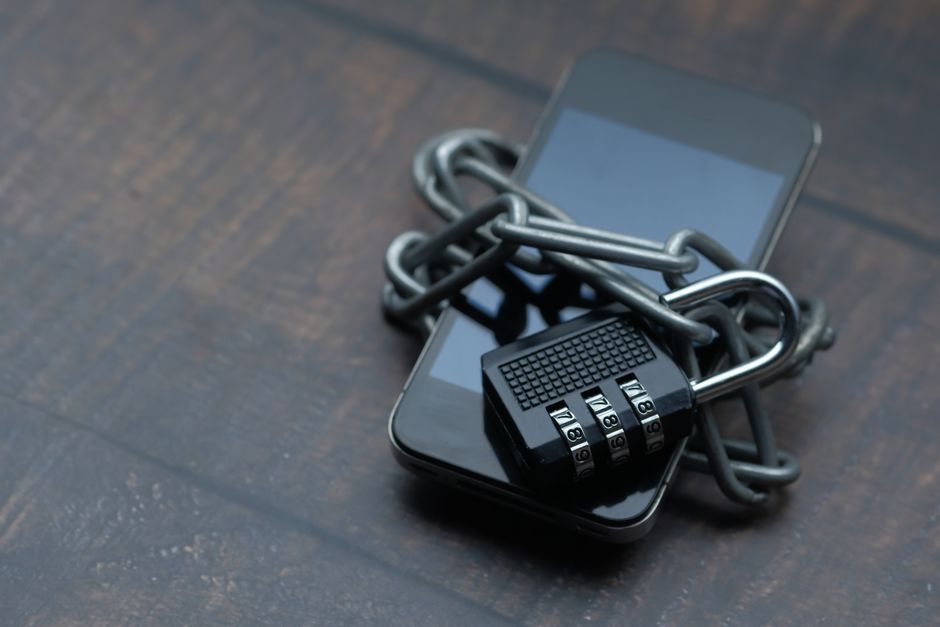
The urgency of securing your mobile device cannot be overstated. We’re not talking about minor inconveniences here; we’re talking about potentially life-altering invasions of privacy and financial ruin. The digital world has blurred the lines between our online and offline selves, meaning a compromise on your phone can have very real, tangible consequences in your physical life. It’s high time we stopped viewing our phone security as an afterthought and started treating it with the gravity it deserves. This isn't about paranoia; it's about practical, proactive self-defense in an increasingly hostile digital environment. It's about taking back control of your personal information before someone else does.
While the threats are sophisticated, the solutions often aren't rocket science. Many of the most critical vulnerabilities stem from default settings that prioritize convenience over security, or from features we enable without fully understanding their implications. The good news is that you have the power to change these settings, to fortify your digital perimeter, and to make your phone a much harder target for those who wish you harm. Let's delve into seven crucial settings that demand your immediate attention, transforming your smartphone from an open book into a fortified digital fortress.
App Permissions Gone Wild Taming the Data Hungry Beasts
Think for a moment about the sheer number of applications installed on your phone. From social media and banking to games and productivity tools, each app, upon installation, often requests a dizzying array of permissions. "Allow access to your camera?" "Allow access to your microphone?" "Allow access to your location?" "Allow access to your contacts?" We've all seen these prompts, and in our haste to use the app, many of us simply tap "Allow" without a second thought. This reflexive granting of permissions is one of the biggest security blunders mobile users make, effectively handing over the keys to vast swathes of their personal data to developers, and potentially, to malicious actors who might exploit vulnerabilities in those apps.
Consider the absurdity of a simple flashlight app demanding access to your contacts, or a calculator app requesting permission to use your camera. While some permissions are genuinely necessary for an app's core functionality – a navigation app needs location, a camera app needs camera access – many are excessive and entirely unwarranted. What nefarious purpose could a free game possibly have for your microphone, allowing it to record ambient audio, or for your contact list, potentially scraping names and numbers for spam campaigns? The truth is, many apps collect far more data than they need, often for advertising purposes, but this over-collection creates a massive security risk. If an app with excessive permissions is compromised, or if its developer has questionable data handling practices, your most sensitive information could be exposed without your knowledge.
The danger here isn't just theoretical. There have been numerous documented cases of apps secretly recording audio, capturing photos, or tracking location data far beyond what users expected. For instance, a few years ago, a popular flashlight app was found to be collecting user location data and transmitting it to third-party servers, all under the guise of providing a simple utility. More recently, reports have emerged of social media apps accessing cameras and microphones even when not actively in use, raising serious privacy concerns. This unchecked access can lead to targeted advertising that feels eerily personal, or worse, to the remote activation of your phone's sensors by a hacker who has exploited a vulnerability in a seemingly innocuous app, turning your device into a surveillance tool against your will. Taking control of these permissions is not just a recommendation; it's a fundamental pillar of mobile security.
The Peril of Public Wi-Fi Automation Unplugging from Unseen Threats
There's a certain comfort in the ubiquity of Wi-Fi. Stepping into a coffee shop, an airport, or a hotel, our phones often automatically connect to available networks, seamlessly keeping us online. This convenience, however, comes with a significant and often underestimated security cost. Public Wi-Fi networks are notorious for their lax security, making them prime hunting grounds for cybercriminals. When your phone is set to automatically join these networks, you're essentially walking into a crowded room with your wallet open, hoping no one notices. The danger is real, and the consequences can be severe.
The primary threat on public Wi-Fi is what's known as a "Man-in-the-Middle" (MitM) attack. In this scenario, a hacker intercepts the communication between your phone and the internet, effectively positioning themselves between you and the websites or services you're trying to access. They can then eavesdrop on your data, steal login credentials, inject malicious code into websites you visit, or even redirect you to fake sites designed to phish for your information. Furthermore, some malicious actors set up fake Wi-Fi hotspots with tempting names like "Free Airport Wi-Fi" that look legitimate but are actually designed to capture all data passing through them. Your phone, set to auto-join, might connect to one of these without you ever realizing the peril.
"Public Wi-Fi is like a digital wild west. Without a VPN, you're essentially shouting your data into the void, hoping no one's listening. And believe me, someone is always listening." - Sarah Jenkins, Cybersecurity Analyst, SecureNet Solutions.
The problem is exacerbated by the "auto-join" feature common on most smartphones. This setting, designed for convenience, tells your phone to remember and automatically connect to previously joined Wi-Fi networks, and sometimes even to open networks it encounters. While useful for your home or office network, it becomes a severe liability in public spaces. Your phone might silently connect to an unsecured network, or even a malicious one masquerading as a legitimate hotspot, without any prompt or warning. This background connection opens the floodgates for attackers to access your device, monitor your browsing, and potentially steal sensitive information. Disabling this automatic behavior is a critical step in safeguarding your digital life from the unseen dangers lurking on public networks.