The Shadows of 'Private' Browsing and Deceptive Emails: When Your Senses Betray You
In our quest for online safety and privacy, we often grasp at seemingly intuitive solutions, only to find that their true capabilities fall far short of our expectations. We fire up "Incognito Mode" in our browsers, believing it grants us a cloak of invisibility across the internet, a digital ghost leaving no trace. We pride ourselves on our ability to spot a dodgy email, convinced we possess an inherent sixth sense for distinguishing legitimate communications from malicious phishing attempts. These deeply held beliefs, however, are often products of marketing spin or an underestimation of the adversary's sophistication. The reality is that the shadows of 'private' browsing are often thin and easily pierced, and the art of deception in email communication has evolved far beyond the clumsy grammar and obvious scams of yesteryear. Our senses, honed by years of navigating a less treacherous internet, can now easily betray us in a landscape where subtlety and psychological manipulation are key weapons in the cybercriminal's arsenal.
This disconnect between perception and reality is one of the most significant challenges in modern cybersecurity education. We want simple, clear-cut solutions, but the digital world is rarely so black and white. The very tools designed to offer a modicum of privacy or security are frequently misunderstood, leading to a false sense of protection that can be more dangerous than acknowledging the risks outright. Similarly, our confidence in our ability to detect threats can be a major liability, as it makes us less cautious and more susceptible to sophisticated social engineering tactics. My years in this field have taught me that true digital resilience comes not from blind faith in tools or an overestimation of our own abilities, but from a continuous process of learning, questioning, and adapting. It's about understanding the nuances, recognizing the limitations, and constantly sharpening our awareness to keep pace with an ever-evolving threat landscape where the lines between truth and deception are increasingly blurred.
Incognito Mode Is Not a Cloak of Anonymity: What it Really Does (and Doesn't Do)
The "Incognito Mode" or "Private Browsing" feature found in virtually every modern web browser is one of the most widely misunderstood tools in the digital privacy toolbox. Many users activate it with the firm belief that it makes them anonymous online, shielding their activities from prying eyes and leaving no digital footprint. This myth, often perpetuated by a lack of clear explanation from browser developers and a user's wishful thinking, leads to a dangerous overestimation of its privacy capabilities. The reality is far more limited, and relying on Incognito Mode for true anonymity is akin to wearing a blindfold and assuming no one can see you. While useful for certain scenarios, it certainly doesn't make you disappear from the internet's watchful gaze, nor does it protect you from the myriad ways your online activities can be tracked.
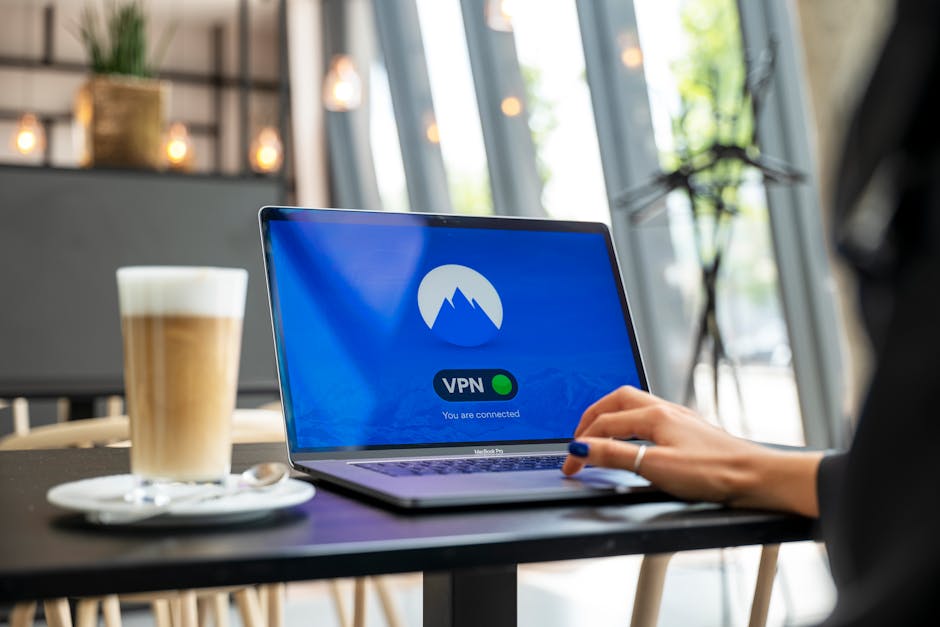
So, what does Incognito Mode actually do? Primarily, it prevents your browser from saving your browsing history, cookies, site data, and information entered in forms after you close the private window. This means if you share a computer, others won't see your browsing history from that session, and websites won't be able to use cookies from your private session to track you across different sites within that specific session. It's fantastic for logging into a secondary account without logging out of your primary one, or for temporary browsing on a shared device. However, this is where its protections largely end. Incognito Mode does absolutely nothing to hide your IP address from websites you visit, nor does it prevent your Internet Service Provider (ISP) from seeing your online activity. Your employer or school network administrator can still monitor your browsing if you're on their network. Websites can still use advanced fingerprinting techniques to identify your browser and device. Furthermore, if you log into any online service while in Incognito Mode, that service will, of course, know who you are and track your activity within their platform. For genuine anonymity and to obscure your IP address, a Virtual Private Network (VPN) is a far more effective tool, as it encrypts your internet traffic and routes it through a server in a different location, making it appear as though you are browsing from that server's IP address and obscuring your true location and identity from most third parties. Understanding this crucial distinction is vital for anyone serious about protecting their online privacy beyond just clearing local browser data.
"I Can Spot a Phishing Email a Mile Away": The Evolving Art of Deception
There's a common refrain I hear from people, often with a confident chuckle: "Oh, I'd never fall for a phishing scam. I can spot those fake emails a mile away!" This self-assuredness, while understandable given the prevalence of poorly constructed scam emails in the past, is precisely what makes individuals vulnerable to modern phishing attacks. The myth that "I can always spot a phishing email or scam" is a dangerous relic of an earlier, less sophisticated era of cybercrime. Today's phishing attempts are often incredibly convincing, meticulously crafted, and designed to exploit not just technical vulnerabilities, but deep-seated psychological triggers like urgency, fear, curiosity, or even greed. The days of obvious grammatical errors and pixelated logos are largely behind us; we are now in an age of highly personalized, contextually relevant, and disturbingly authentic-looking deceptions.
Modern phishing has evolved into several sophisticated forms. Spear phishing, for example, targets specific individuals or organizations with emails tailored to their interests, job roles, or recent activities. Attackers might research their targets on social media or LinkedIn to gather details that make the email seem incredibly legitimate, perhaps referencing a recent project or a common colleague. Whaling attacks take this a step further, targeting senior executives or high-profile individuals, often impersonating a CEO or CFO to trick employees into making fraudulent wire transfers or revealing sensitive company data. These aren't generic spam; they are bespoke attacks designed to bypass skepticism. We're also seeing the rise of "deepfake" technology being used in scams, where AI-generated audio or video can convincingly impersonate a voice or face, making phone calls or video conferences seem legitimate when they are, in fact, sophisticated frauds. A recent report by the FBI revealed that business email compromise (BEC) schemes, often a form of spear phishing, resulted in over $2.7 billion in losses in 2022 alone, underscoring the financial devastation these advanced attacks can cause. The key to defense is not just looking for obvious red flags, but cultivating a habit of extreme skepticism, independently verifying requests for sensitive information, and understanding that even the most seemingly legitimate communication can be a meticulously constructed trap. Your critical thinking, more than any software, is your ultimate defense against these evolving forms of digital deception.