Mastering Your Inbox A Proactive Stance Against Digital Deceit
We’ve journeyed through the intricate landscape of phishing, from unmasking imposter senders to decoding deceptive messages and disarming malicious links and attachments. The 3-Step Email Security Check Hack – scrutinizing the sender, analyzing the content, and verifying links/attachments – is not merely a set of guidelines; it's a fundamental shift in mindset, a proactive approach that empowers you to become your own best defense against the relentless tide of digital deceit. This final page isn't about summarizing what we've learned, but about solidifying these practices into actionable habits and integrating broader cybersecurity measures that enhance your overall resilience. It's about building a fortress around your digital life, brick by vigilant brick.
The first and most immediate action after identifying a phishing email is to report it. Most email providers, whether it's Gmail, Outlook, or your corporate email system, offer a "Report Phishing" or "Report Spam" option. Utilizing this feature is crucial because it helps your email provider's filters learn and adapt, making them more effective at catching future phishing attempts for you and for other users. Think of it as contributing to a collective defense mechanism; every reported phishing email helps improve the system for everyone. After reporting, delete the email. Do not just move it to spam; actively delete it to remove any temptation for accidental clicks later. This simple act not only cleanses your inbox but also reinforces your commitment to a secure digital environment.
Beyond individual email scrutiny, cultivating a robust cybersecurity posture involves several complementary layers of protection. Implementing multi-factor authentication (MFA) on all your critical accounts (email, banking, social media, online shopping) is perhaps the single most impactful step you can take. MFA requires a second form of verification, usually a code from an authenticator app or a text message, in addition to your password. Even if a phisher manages to steal your password, they won't be able to access your account without that second factor. It's like having two locks on your door instead of one, exponentially increasing the effort required for an intruder to gain access. If you're not using MFA everywhere it's available, you're leaving a gaping hole in your digital defenses.
Building a Digital Fortress Essential Tools for Everyday Protection
A strong, unique password for every online account is non-negotiable, and trying to remember dozens of complex passwords is a recipe for disaster. This is where a reputable password manager becomes an indispensable tool. Services like LastPass, 1Password, or Bitwarden securely store all your passwords, generate strong, random ones for new accounts, and even autofill them for you on legitimate websites. This eliminates the need to reuse passwords or resort to easily guessable ones, significantly reducing your vulnerability if one of your accounts is ever compromised in a data breach. A password manager not only enhances security but also simplifies your digital life, allowing you to focus on the content of emails rather than the burden of password recall.
Regular software updates are another cornerstone of robust cybersecurity. Operating systems (Windows, macOS, Android, iOS), web browsers, and all applications you use frequently receive security patches that fix vulnerabilities discovered by researchers. Phishers and malware developers often exploit these known vulnerabilities. By keeping your software updated, you ensure that these digital "holes" are patched, making it much harder for attackers to gain unauthorized access to your devices or data. Enable automatic updates whenever possible, or make it a routine to check for and install updates promptly. It's a small effort that yields significant security dividends.
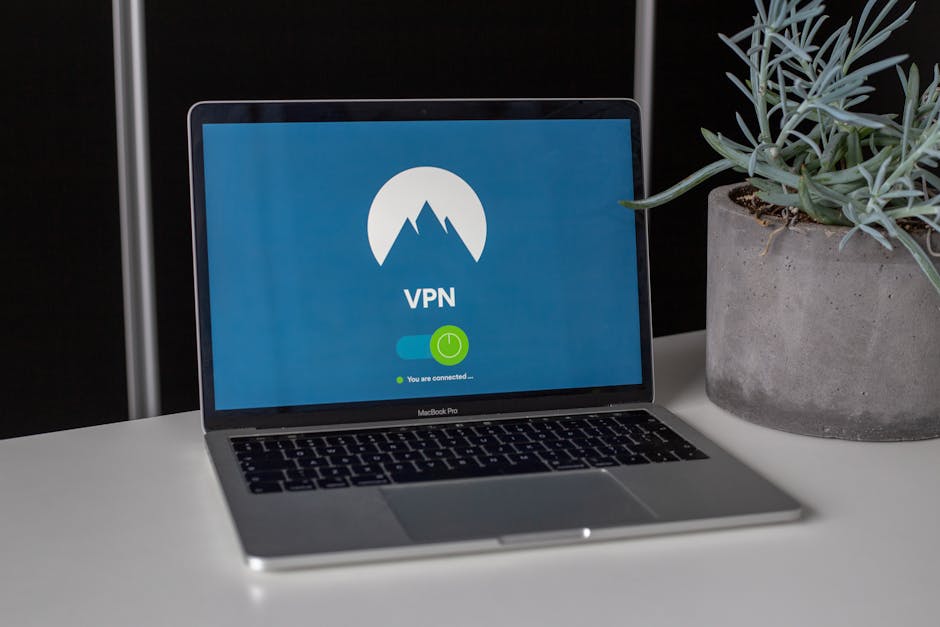
Furthermore, consider the role of a high-quality Virtual Private Network (VPN) in your overall privacy and security strategy, especially when connecting to public Wi-Fi networks. While a VPN doesn't directly prevent phishing emails from landing in your inbox, it encrypts your internet traffic, making it unreadable to snoopers and protecting your data from interception. This is particularly relevant if a phishing attempt directs you to a legitimate-looking but malicious website; a VPN adds a layer of privacy that can sometimes deter less sophisticated attackers or protect your data during transit, though it won't prevent you from entering credentials on a fake site if you've already fallen for the phish. It’s an overarching privacy tool that complements your email security efforts.
Cultivating a Phishing Mindset Constant Vigilance and Continuous Learning
The fight against phishing is not a one-time battle but an ongoing war of wits and adaptation. Phishers constantly evolve their techniques, leveraging current events, new technologies, and sophisticated social engineering tactics. Therefore, continuous learning and maintaining a "phishing mindset" are paramount. Stay informed about the latest phishing trends by following reputable cybersecurity news sources, reading security blogs (like the one you're hopefully enjoying right now!), and participating in security awareness training offered by your employer or community organizations. The more you understand the current threats, the better equipped you'll be to spot them.
One powerful exercise is to regularly test yourself. Many companies use simulated phishing campaigns to train their employees. If you receive such a simulated email, treat it as a real one and apply the 3-step check. If you pass, great! If you "fail," use it as a learning opportunity. For personal use, you can even find free online quizzes or resources that present realistic phishing scenarios to help sharpen your detection skills. The goal isn't to live in fear of every incoming email but to approach your inbox with a healthy, informed skepticism that becomes second nature, like checking both ways before crossing the street.
"Security is a journey, not a destination. The moment you think you've mastered it, new threats emerge. Stay curious, stay vigilant, stay safe." – A principle often emphasized in advanced cybersecurity courses.
Ultimately, the power to "Never Fall for Phishing Again" lies within you. It’s not about complex software or arcane technical knowledge, but about disciplined observation, critical thinking, and the consistent application of a simple, effective methodology. The 3-Step Email Security Check Hack – scrutinize the sender, analyze the content, and verify links/attachments – is your personal shield. By integrating these steps into your daily routine, making them as automatic as locking your front door, you transform your email experience from a high-stakes gamble into a controlled, secure interaction. Embrace this proactive stance, empower yourself with knowledge, and become an unyielding guardian of your own digital domain. Your vigilance doesn't just protect you; it strengthens the entire online ecosystem against the pervasive and ever-evolving threat of phishing, one carefully scrutinized email at a time.