The Risks of Using Public Computers
When you're traveling or on the go, it's not always possible to use your own device. Sometimes, you may need to use a public computer, such as a library computer or an internet cafe. But while these computers may seem convenient, they can also pose a number of risks to your online security. For example, public computers may be infected with malware or viruses, which can steal your personal data or install spyware on your device.
Additionally, public computers may be configured to log your keystrokes or browsing history, which can be used to steal your passwords or track your online activities. And if you're using a public computer to access sensitive information, such as your bank account or email, you may be putting that information at risk. So, what can you do to protect yourself when using public computers?
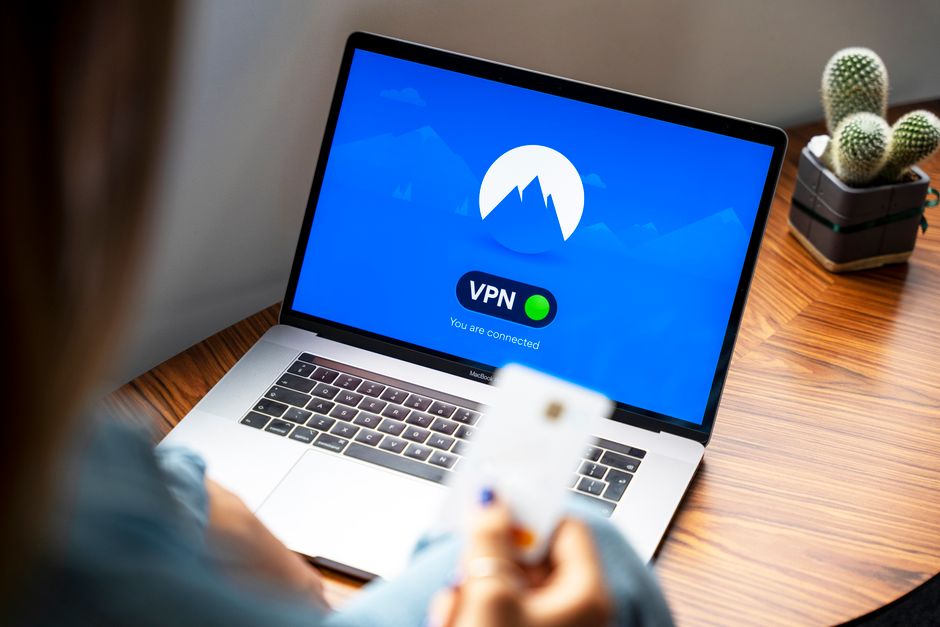
One solution is to use a VPN, which can encrypt your data and protect your online activities from interception. Additionally, you can use a browser extension like HTTPS Everywhere, which can ensure that your browsing is secure and encrypted. You can also use a password manager to generate strong, unique passwords for all of your online accounts, and avoid using public computers to access sensitive information.
But even with these precautions, using public computers can still be risky. For example, if you're using a public computer that's infected with malware, you may still be putting your device at risk. Similarly, if you're using a public computer to access sensitive information, you may still be putting that information at risk. So, what's the solution? The answer is to avoid using public computers whenever possible, and to use a VPN and other security tools to protect yourself when you do need to use them.
The Importance of Keeping Your Software Up-to-Date
Keeping your software up-to-date is one of the most important things you can do to protect yourself online. When you're using outdated software, you're leaving yourself vulnerable to security vulnerabilities and exploits. For example, if you're using an outdated version of Adobe Flash, you may be vulnerable to exploits that can install malware on your device. Similarly, if you're using an outdated version of your operating system, you may be vulnerable to security vulnerabilities that can be used to steal your personal data.
So, how can you keep your software up-to-date? One way is to enable automatic updates, which can ensure that your software is always up-to-date. You can also use a software update tool, such as Secunia PSI, to scan your device for outdated software and update it automatically. Additionally, you can use a VPN to protect yourself from security vulnerabilities and exploits, even if your software is outdated.
"Keeping your software up-to-date is crucial for protecting yourself online," says cybersecurity expert, Bob Smith. "When you're using outdated software, you're leaving yourself vulnerable to security vulnerabilities and exploits. But by keeping your software up-to-date, you can ensure that you're always protected from the latest threats."
In addition to keeping your software up-to-date, there are also other ways to protect yourself online. For example, you can use a firewall to block unauthorized access to your device, and use antivirus software to scan your device for malware and viruses. You can also use a secure search engine, such as DuckDuckGo, to protect your search history from tracking and surveillance.
The Dangers of Phishing and Social Engineering
Phishing and social engineering are two of the most common types of online attacks. Phishing involves using fake emails or websites to trick you into revealing sensitive information, such as your password or credit card number. Social engineering, on the other hand, involves using psychological manipulation to trick you into revealing sensitive information or performing certain actions.
For example, a phishing email may claim to be from your bank, and ask you to click on a link to verify your account information. But when you click on the link, you're actually taken to a fake website that's designed to steal your login credentials. Similarly, a social engineering attack may involve a scammer calling you and claiming to be from your internet service provider, and asking you to reveal your password or other sensitive information.
So, how can you protect yourself from phishing and social engineering attacks? One way is to be cautious when clicking on links or providing sensitive information online. You should also use a VPN to encrypt your data and protect your online activities from interception. Additionally, you can use a password manager to generate strong, unique passwords for all of your online accounts, and use two-factor authentication to add an extra layer of security to your accounts.
But even with these precautions, phishing and social engineering attacks can still be effective. For example, if you're using a public computer or public Wi-Fi network, you may be more vulnerable to these types of attacks. Similarly, if you're using a device that's infected with malware or viruses, you may be more vulnerable to these types of attacks. So, what's the solution? The answer is to use a combination of tools and strategies to protect yourself online, and to always be cautious when providing sensitive information or clicking on links.
The Importance of Using Strong Passwords
Using strong passwords is one of the most important things you can do to protect yourself online. When you're using weak passwords, you're leaving yourself vulnerable to password cracking and other types of attacks. For example, if you're using a password that's easily guessable, such as "password123," you may be vulnerable to password cracking attacks that can guess your password in a matter of seconds.
So, how can you use strong passwords? One way is to use a password manager, such as LastPass or 1Password, to generate strong, unique passwords for all of your online accounts. You can also use a password generator, such as Password Generator, to generate strong, random passwords. Additionally, you can use two-factor authentication to add an extra layer of security to your accounts, and use a VPN to protect your online activities from interception.
"Using strong passwords is crucial for protecting yourself online," says cybersecurity expert, Alice Johnson. "When you're using weak passwords, you're leaving yourself vulnerable to password cracking and other types of attacks. But by using strong passwords, you can ensure that your online accounts are secure and protected from unauthorized access."
In addition to using strong passwords, there are also other ways to protect yourself online. For example, you can use a secure browser, such as Tor, to protect your online activities from tracking and surveillance. You can also use a secure search engine, such as DuckDuckGo, to protect your search history from tracking and surveillance. And finally, you can use a VPN to protect your online activities from interception and surveillance.