Fortifying Your Digital Fortress Practical Steps to Mute the Spies
Understanding the pervasive nature of data collection by smart devices is the first crucial step, but knowledge alone isn't enough. The real power lies in action, in implementing concrete strategies to reclaim control over your digital privacy. This isn't about discarding all your smart gadgets and retreating to an analog existence; it's about making informed choices, configuring your devices intelligently, and creating a more secure digital environment within your home. Think of it as building a robust digital fortress, brick by careful brick, against the silent spies. It requires a bit of effort, certainly more than simply clicking 'agree' to a privacy policy, but the peace of mind and enhanced security are immeasurable dividends.
Establishing a Strong Network Foundation
Your home network is the highway for all the data flowing in and out of your smart devices, making it the most critical point of defense. One of the most effective strategies is to segment your network. Most modern routers allow you to set up a "Guest Wi-Fi" network. This isn't just for visitors; it's an excellent place to put all your smart home devices that don't need to interact directly with your computers or sensitive data. By isolating these devices on a separate network, you create a barrier. If a smart light bulb or a camera is compromised, the attacker won't immediately have access to your main network where your laptops, smartphones, and financial information reside. This containment strategy significantly reduces the potential damage from a breach. Furthermore, ensure your router's firmware is always up to date, as manufacturers frequently release patches for newly discovered vulnerabilities. A strong, unique password for your router, changed from the default, is non-negotiable; it's the front door to your entire digital home, and a weak lock invites trouble.
Another fundamental aspect of network security involves scrutinizing the permissions and network activity of your devices. If you're technically inclined, consider using a network monitoring tool (like Wireshark or even some advanced router firmwares like DD-WRT) to see what data your smart devices are actually sending out. You might be surprised to find a smart TV communicating with dozens of third-party servers. For less technical users, simply reviewing your router's connected devices list regularly can help you identify any unknown or rogue devices. If a smart device doesn't absolutely *need* internet access to function, consider blocking its access at the router level. Many smart devices can still operate locally (e.g., smart lights controlled via Bluetooth or a local hub) even without an internet connection, effectively "muting" their ability to broadcast data to external servers. This proactive approach to network management transforms your router from a passive conduit into an active guardian.
Taming the Eavesdroppers and Watchers
For smart speakers and voice assistants, the most direct way to mute them is to use the physical mute button. Every major smart speaker includes one, often indicated by a microphone icon with a line through it. When activated, this button electronically disconnects the microphone, ensuring the device cannot listen for its wake word or record any audio. Make it a habit to press this button when you're having sensitive conversations, during private moments, or when the device isn't actively being used. It's a simple, yet incredibly effective, manual override to the constant listening. Beyond the physical mute, delve into the accompanying app's privacy settings. Most platforms allow you to review and delete past voice recordings, and some even offer options to opt out of human review of your audio clips. Regularly clearing your voice history is a good practice to minimize the amount of personal data stored on company servers. Remember, if you don't need the device to respond to your voice, keep it muted.
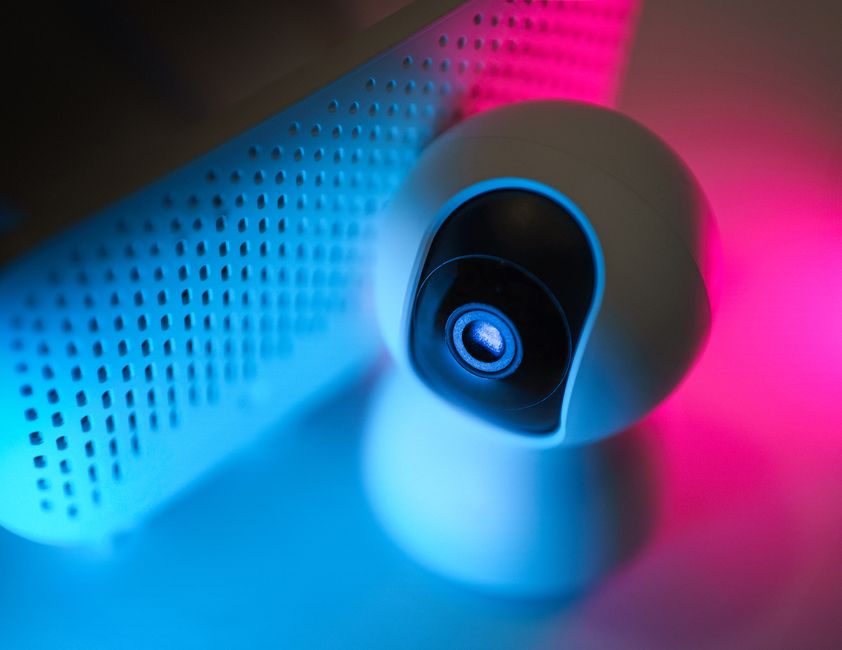
When it comes to smart TVs and cameras, the approach needs to be equally hands-on. For smart TVs, always disable automatic content recognition (ACR) in the settings menu. This feature is often buried deep within privacy or data collection settings, sometimes under innocuous-sounding names like "Smart Interactivity" or "Viewing Data." Turning it off severely limits the TV's ability to track what you're watching. If your smart TV has a built-in camera, use a physical camera cover—a simple piece of opaque tape or a sliding cover designed for laptops works perfectly. For smart doorbells and security cameras, carefully adjust their motion detection zones to only monitor your property, avoiding public sidewalks or neighbors' yards. Review the privacy settings in the app to control who has access to your footage, how long it's stored, and whether it's shared with third parties or law enforcement. Consider devices that offer local storage options (like an SD card or a home hub) instead of relying solely on cloud storage, giving you more control over your recordings.
Exercising Control Over Device Permissions and Data
Every smart device comes with an accompanying app, and these apps are often hungry for permissions. When setting up a new device, resist the urge to blindly grant every permission requested. Carefully review each permission. Does your smart light bulb really need access to your contacts or location services? Probably not. Grant only the essential permissions required for the device to function. On your smartphone, regularly audit the permissions granted to all your apps, especially those connected to smart devices, and revoke any that seem excessive or unnecessary. This granular control over app permissions is a powerful tool in limiting the data flow from your home. It’s a bit like deciding which guests get to wander through your entire house versus those who only stay in the living room.
Furthermore, make it a habit to regularly review the privacy policies of your smart devices. Yes, they're often long and filled with legal jargon, but look for keywords like "data retention," "third-party sharing," and "anonymized data." Understanding these policies, even if imperfectly, helps you make more informed decisions about which devices you're comfortable having in your home. If a policy is excessively vague or alarming, consider whether that device truly warrants a place in your digital ecosystem. Many companies also offer privacy dashboards or data management portals on their websites where you can view the data they've collected from you and often request its deletion. While not always comprehensive, utilizing these tools is a proactive step in asserting your data rights. Don't assume that once data is collected, it's gone forever; actively seek to delete it when possible.
The Power of Disconnection and Informed Choices
Sometimes, the most effective way to mute a silent spy is to simply disconnect it. If a smart device isn't being used, unplug it. If you have a smart TV that primarily serves as a display for a streaming stick or gaming console, consider disconnecting it from the internet entirely. Many of its "smart" features can be bypassed, and its data collection capabilities will be severely curtailed. For devices that offer both smart and non-smart functionalities, prioritize the non-smart aspects if privacy is a major concern. For instance, a basic thermostat will regulate temperature without tracking your every move. This might seem like a step backward, but it's a conscious choice to prioritize privacy over incremental convenience.
Finally, become a discerning consumer. Before purchasing any new smart device, do your research. Look up reviews that specifically address privacy and security concerns, not just features and performance. Check if the manufacturer has a track record of data breaches or questionable privacy practices. Opt for brands that prioritize user privacy, offer transparent data policies, and provide clear controls for managing your data. Consider open-source alternatives or devices that emphasize local processing over cloud dependence, which inherently reduces the amount of data sent outside your home. Educating yourself and making thoughtful purchasing decisions is perhaps the most powerful long-term strategy in combating the silent spies. Your home is your sanctuary, and by taking these practical steps, you can ensure it remains a private one, free from unwanted digital eavesdropping and observation, allowing you to enjoy the benefits of technology without surrendering your fundamental right to privacy.