DNS, WebRTC, and the Leaky Digital Faucet
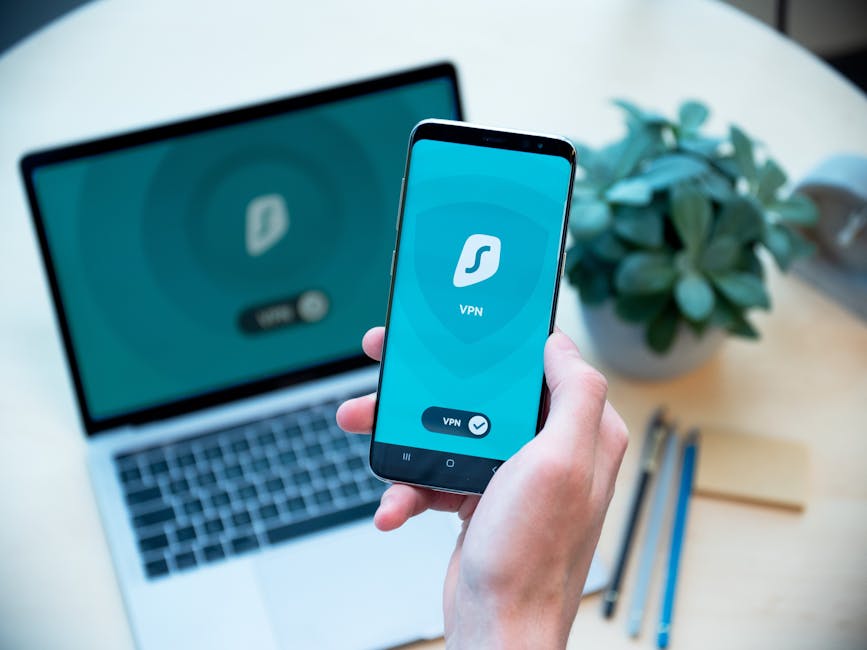
While your VPN masterfully encrypts your internet traffic and routes it through a remote server, masking your IP address, there are critical junctures where your true identity can still inadvertently leak out. Think of your VPN as a well-sealed pipeline for your data, but occasionally, there are tiny, unnoticed cracks or poorly connected valves where your sensitive information can drip, drip, drip into the open. Two of the most common and concerning types of these "leaks" involve your Domain Name System (DNS) requests and your Web Real-Time Communication (WebRTC) capabilities. These vulnerabilities can, with startling ease, expose your real IP address or reveal the websites you are visiting, directly undermining the core purpose of using a VPN in the first place.
Let's first delve into the world of DNS leaks. Every time you type a website address like "www.example.com" into your browser, your computer doesn't instantly know where to find that website. It needs to translate that human-readable name into a machine-readable IP address, much like looking up a phone number in a directory. This lookup process is handled by a DNS server. When you use a VPN, the ideal scenario is that your computer sends these DNS requests through the encrypted VPN tunnel to a DNS server operated by your VPN provider. This ensures your ISP, or any other entity monitoring your local network, cannot see which websites you are trying to access. However, configuration errors, operating system quirks, or even malicious software can sometimes cause your computer to bypass the VPN's DNS servers and send those requests directly to your ISP's default DNS servers. When this happens, your ISP immediately sees your real IP address making a request for "www.example.com," effectively logging your browsing activity even though your actual data traffic is still going through the VPN. It's like whispering a secret through a long tube, but someone outside the tube can still hear you asking, "Hey, who's got the secret?" before you even start whispering.
The implications of a DNS leak are profound. Even if your traffic is encrypted, the very act of resolving a domain name reveals your intent to visit a particular website. This metadata, when collected over time, can paint a highly accurate picture of your browsing habits, interests, and even your political leanings or health concerns. Imagine a scenario where you're using a VPN to research sensitive medical conditions or political dissidents. A DNS leak would expose these inquiries directly to your ISP, which in many countries is legally compelled to log this data and potentially share it with government agencies. Numerous real-world incidents have highlighted the risks, with security researchers frequently discovering popular VPN services that, despite their claims, suffer from DNS leak vulnerabilities, making their users susceptible to this form of surveillance. The problem is exacerbated by the fact that many users are unaware of how to check for these leaks, assuming their VPN is working flawlessly.
Next, we turn our attention to WebRTC leaks, a more modern and often overlooked vulnerability. WebRTC, or Web Real-Time Communication, is a collection of open-source projects that enable real-time communication capabilities directly within web browsers, without the need for additional plugins. It's what powers features like video conferencing, voice chat, and peer-to-peer file sharing directly in your browser. While incredibly useful for functionality, WebRTC has a significant privacy Achilles' heel. To establish a direct connection between two devices, WebRTC needs to discover the true IP addresses of those devices, even if they are behind a router or NAT (Network Address Translation). It does this by making requests to STUN (Session Traversal Utilities for NAT) and TURN (Traversal Using Relays around NAT) servers. The crucial point here is that these requests can sometimes reveal your local and public IP addresses directly to the website you are visiting, bypassing your VPN entirely.
The mechanism behind a WebRTC leak is quite technical, but the outcome is straightforward: a simple JavaScript command embedded on a webpage can query your browser's WebRTC implementation and extract your real IP address. This happens client-side, within your browser, often before your traffic even enters the VPN tunnel. While your encrypted traffic might then proceed through the VPN, the initial WebRTC query has already exposed your true location. Many popular browsers, including Chrome, Firefox, and Edge, have supported WebRTC for years, making this a pervasive vulnerability. For instance, if you're connected to a VPN and visit a malicious website or even a legitimate site with poorly secured third-party scripts, that site could execute a WebRTC query and instantly log your actual IP address. This has been a recurring issue, with various tools and websites emerging specifically to test for WebRTC leaks, demonstrating how easily this information can be harvested. The danger is particularly acute for those seeking to evade censorship or maintain strict anonymity, as their real geographic location can be pinpointed despite their VPN connection.
Finally, we shouldn't forget about IPv6 leaks. While IPv4 is still the dominant internet protocol, IPv6 has been slowly rolling out for years. Many VPNs are primarily designed to handle IPv4 traffic, and if your operating system or network is configured to use IPv6, your IPv6 traffic might bypass the VPN tunnel entirely, sending your real IPv6 address directly to the websites you visit. This is less common than DNS or WebRTC leaks but can be just as devastating for privacy. If your ISP assigns you an IPv6 address, and your VPN software isn't configured to fully support or block IPv6 traffic, your "anonymized" connection could be leaking your true location through this separate protocol. This multi-faceted vulnerability underscores that achieving true digital invisibility requires vigilance across all layers of your network stack, from DNS resolution to real-time communication protocols and evolving IP standards. It's not enough for a VPN to simply change your IPv4 address; it must manage all potential avenues of exposure.