Reclaiming Your Digital Sanctuary A Blueprint for Privacy
The unsettling truth of your smart home’s pervasive data collection can feel overwhelming, almost dystopian. It’s easy to feel powerless against the monolithic tech giants and their insatiable appetite for information. But here’s the crucial part: you are not powerless. Reclaiming your digital sanctuary and shutting down the hidden surveillance isn't a one-time fix; it's an ongoing commitment, a shift in mindset, and a series of practical, actionable steps. It requires vigilance, a healthy dose of skepticism, and a willingness to occasionally trade a sliver of convenience for a significant gain in privacy. This isn't about abandoning smart technology entirely, but about becoming a conscious, empowered user who understands the trade-offs and actively manages their digital footprint within their own walls.
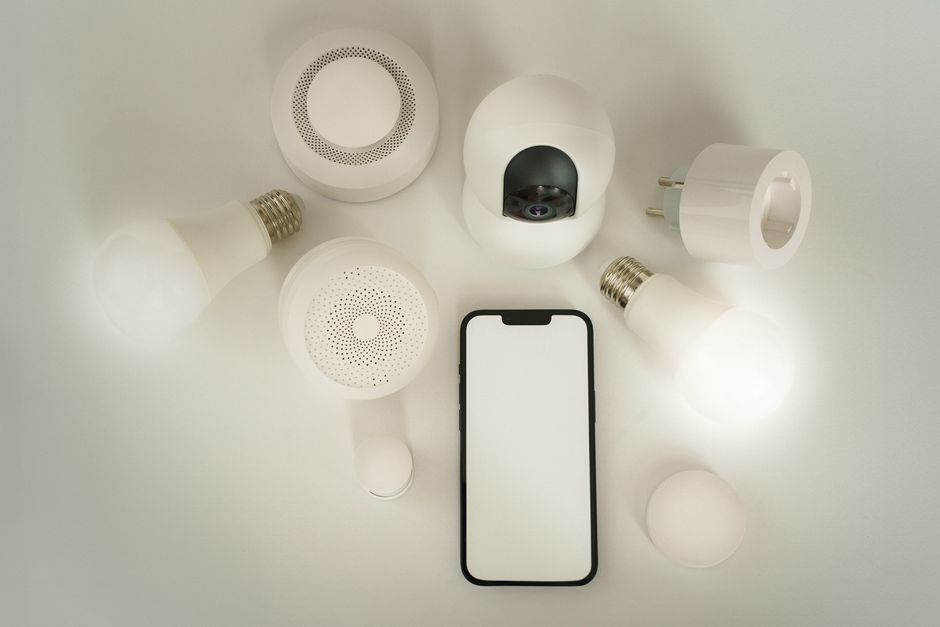
The first and most fundamental step is to conduct a thorough audit of your digital home. Begin by making a comprehensive list of every single smart device you own. This includes obvious ones like smart speakers, security cameras, and video doorbells, but also consider less apparent culprits: smart TVs, streaming devices, connected appliances (refrigerators, washing machines), smart light bulbs, thermostats, robot vacuums, and even smart plugs. Many people are surprised by how many internet-connected gadgets they've accumulated. For each device, identify its manufacturer and, if possible, the model. This inventory is your battle map, showing you exactly where your data is being collected and by whom. Without knowing what you have, you can't begin to control it.
Once you have your inventory, the next critical step is to delve into the privacy settings and policies for each device. Yes, I know, reading privacy policies is about as exciting as watching paint dry, but it’s absolutely essential. Look for key phrases related to data collection, data sharing with third parties, data retention periods, and your rights to access or delete your data. Pay particular attention to the default settings, as these are almost always configured for maximum data collection. Your goal is to find every setting that allows you to limit data collection, disable unnecessary features (like voice recording storage, facial recognition, or "smart interactivity" on TVs), and opt out of data sharing with third parties. Be prepared to dig deep within the companion apps or web portals, as these settings are often intentionally obscured.
Fortifying Your Devices A Practical Lockdown Guide
Let's get specific with some of the most common smart home culprits. For your smart speakers (like Amazon Echo or Google Home), the immediate action is to utilize the physical mute button whenever the device isn't actively needed. This physically disconnects the microphone, preventing any ambient listening. Beyond that, dive into the associated app (Alexa app, Google Home app) and locate the privacy settings. You'll want to regularly review and delete your voice recordings, disable human review of recordings, and opt out of using your voice data for product improvement or personalized ads. Consider whether you truly need voice purchasing enabled, as this adds another layer of financial data to your profile. Remember, convenience often comes at the expense of privacy, so decide which features are truly essential.
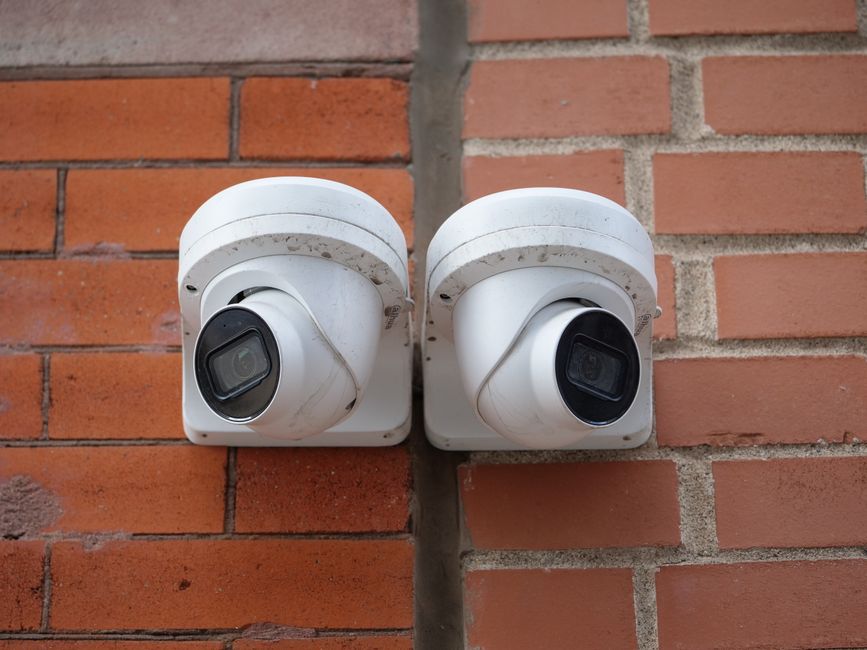
Security cameras and video doorbells demand even greater scrutiny. Start by ensuring every device has a strong, unique password – never use the default password, and avoid reusing passwords from other accounts. Enable two-factor authentication (2FA) immediately; this single step dramatically boosts security. Within the app settings, review motion detection zones and schedules, ensuring they only monitor public-facing areas or specific zones you define, rather than capturing every movement in your yard or home. Understand where your footage is stored: is it solely on the cloud, or can you opt for local storage (e.g., an SD card or network attached storage)? Local storage generally offers greater privacy. If you have indoor cameras, seriously question their necessity in private spaces like bedrooms or living rooms unless absolutely critical, and ensure they have a physical shutter or can be powered off when not in use.
Smart thermostats and lighting systems, while seemingly benign, also gather significant behavioral data. In their respective apps, look for settings that allow you to opt out of sharing your usage data for "energy insights" or "product improvement." You might also be able to disable their "learning" capabilities, which, while reducing some automation, prevents them from building a detailed profile of your presence and temperature preferences. For smart TVs and streaming devices, the privacy concerns are substantial. Many come with "Smart Interactivity," "Automatic Content Recognition (ACR)," or similar features enabled by default. These systems track every show, movie, and ad you watch, building a comprehensive viewing profile. Go into your TV's settings and disable all such features. Consider connecting your smart TV to the internet only when you intend to use its smart features, or even better, use an external streaming device with stronger privacy controls and keep your TV itself offline.
Building a Fortress Your Network as the First Line of Defense
Beyond individual device settings, securing your home network is paramount. Your Wi-Fi router is the gateway to your digital life, and it needs to be locked down. Change the default administrator password immediately to a strong, unique one. Enable WPA3 encryption if your router supports it, or WPA2 at minimum. One of the most effective strategies for smart home privacy is to create a separate guest Wi-Fi network specifically for your IoT devices. This isolates them from your main network, where your computers, phones, and sensitive data reside. If an IoT device is compromised, it won't have direct access to your more critical devices, significantly limiting potential damage. Think of it as putting all your potentially leaky gadgets in a separate, contained room.
For the more technically inclined, consider implementing DNS filtering at the router level. Services like AdGuard DNS or NextDNS can block known tracking domains and ad servers for every device connected to your network, including your smart gadgets. This acts as a network-wide ad blocker and privacy enhancer, preventing many data collection attempts before they even reach the destination server. While a full VPN on your router can encrypt all outgoing traffic, it can sometimes interfere with smart device functionality that relies on specific cloud connections, so proceed with caution and thorough testing if you choose this route. The key is to understand that your network is a shared highway for all your devices, and controlling traffic at the source is a powerful privacy tool.
Finally, cultivating a privacy-conscious mindset is perhaps the most enduring defense. Before purchasing any new smart device, ask yourself: Do I truly need this to be "smart"? What data will it collect, and for what purpose? What are the manufacturer's privacy track record and data retention policies? Support brands that prioritize local processing of data over cloud processing, offer transparent privacy policies, and provide clear, easy-to-use privacy controls. Educate your family members about the implications of smart devices, ensuring everyone in the household understands how to manage settings and the importance of strong passwords. Privacy is not a destination; it's a continuous journey, demanding regular reviews of settings, staying informed about device updates, and being prepared to adapt as technology evolves. By taking these proactive steps, you can significantly reduce the amount of data your smart home is learning about you, transforming it from a silent spy into a trusted, controlled assistant within your truly private sanctuary.