The relentless march of AI-powered smart devices into every corner of our lives presents a profound challenge to our privacy, yet it’s a challenge we are not entirely powerless against. While the landscape of data collection and algorithmic inference can feel overwhelming, understanding the mechanisms at play is the first crucial step towards reclaiming some semblance of control over our digital lives. We might not be able to completely dismantle the surveillance economy overnight, but we can certainly fortify our personal digital sanctuaries and make informed choices that reduce our exposure. This isn't about retreating from technology altogether, but about engaging with it more consciously, critically, and securely. Think of it as building a digital firewall around your personal space, one thoughtful decision at a time.
Reclaiming Your Digital Sanctuary Practical Steps for a Safer Tomorrow
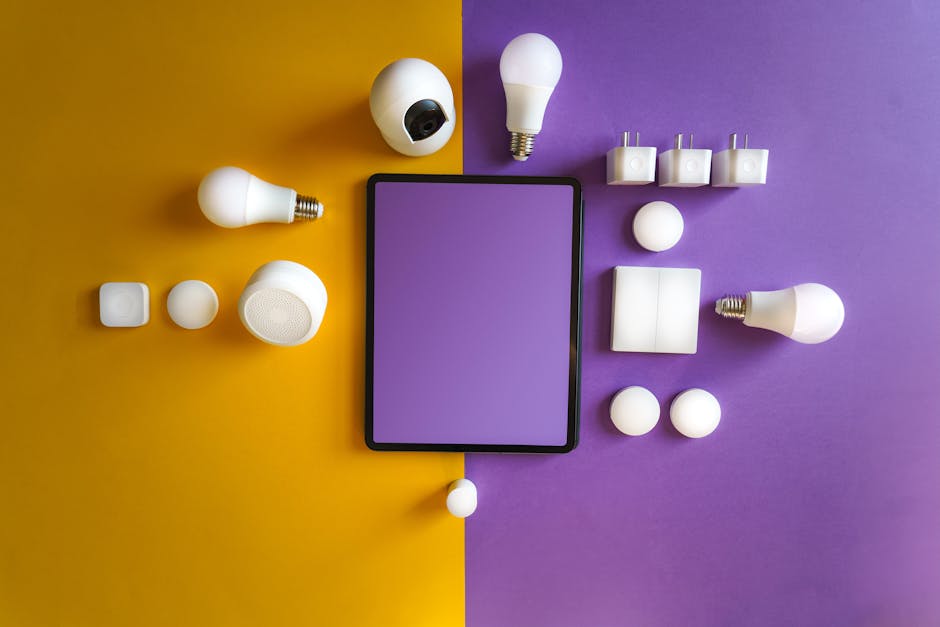
The initial and perhaps most critical step in safeguarding your privacy is to perform a thorough audit of your smart devices. This isn’t a quick glance; it’s a meticulous inventory of every connected gadget in your home, from your smartphone and smart TV to your smart thermostat, doorbell camera, and even your children's connected toys. For each device, ask yourself: Does this device truly need to be smart? What data does it collect? Does it have a microphone or camera? What are its default privacy settings? Many devices come with privacy-invasive settings enabled right out of the box, optimized for data collection rather than user protection. Make a list, and for each item, commit to investigating its settings. This might seem tedious, but understanding your digital footprint is the bedrock upon which all other protective measures are built. You might be surprised by how many devices you’ve forgotten about or never fully configured.
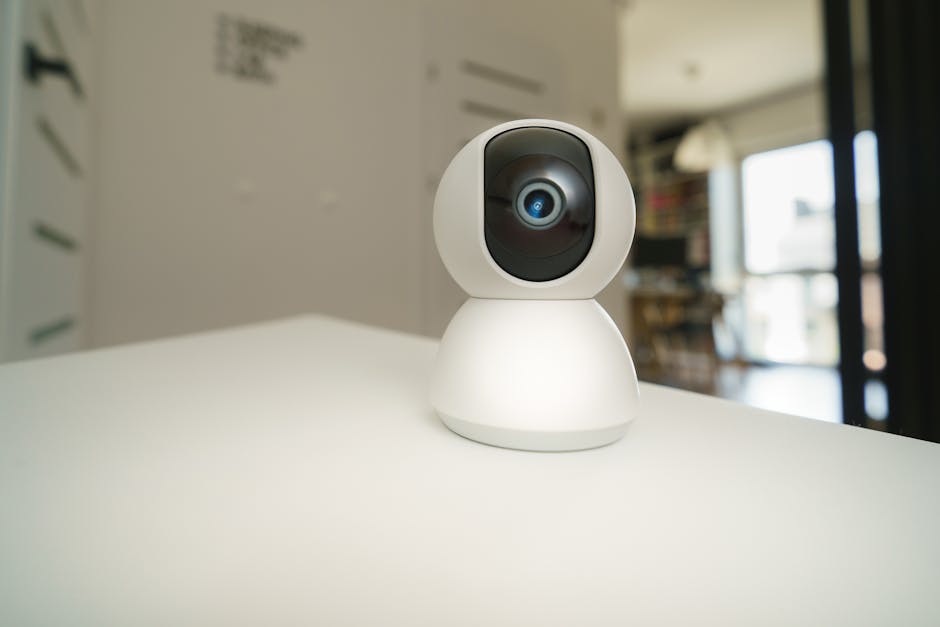
Once you have your inventory, the next crucial action involves managing permissions, particularly for microphones, cameras, and location services. For smartphones and tablets, delve into the app permissions settings. Revoke microphone and camera access for any app that doesn't absolutely need it to function. Does your flashlight app really need access to your location or microphone? Probably not. Be ruthless. For smart speakers, consider physically muting the microphone when not in active use. Many devices have a dedicated mute button, often accompanied by a visual indicator like a red light. For smart TVs, investigate the settings for "Automatic Content Recognition" (ACR) or similar features that track your viewing habits; disable them if possible. For smart cameras and doorbells, review their motion detection zones and recording schedules. If you don't need 24/7 recording, consider setting it to only record when specific events are detected. The goal here is to minimize the "always-on" listening and watching capabilities that are often the default.
Fortifying Your Network and Understanding the Data Flow
Your home network is the gateway through which all your smart device data travels, making its security paramount. Start with strong, unique passwords for your Wi-Fi router and all your connected devices. Avoid default passwords at all costs. Consider setting up a separate "guest" Wi-Fi network for your smart devices, isolating them from your primary network where your more sensitive devices (like laptops and financial apps) reside. This creates a segmentation that can prevent a compromised smart device from gaining access to your entire home network. Regularly update the firmware on your router and all smart devices, as these updates often include critical security patches that address vulnerabilities. Think of your network as the moat around your digital castle; the stronger the defenses, the harder it is for unwanted visitors to get in.
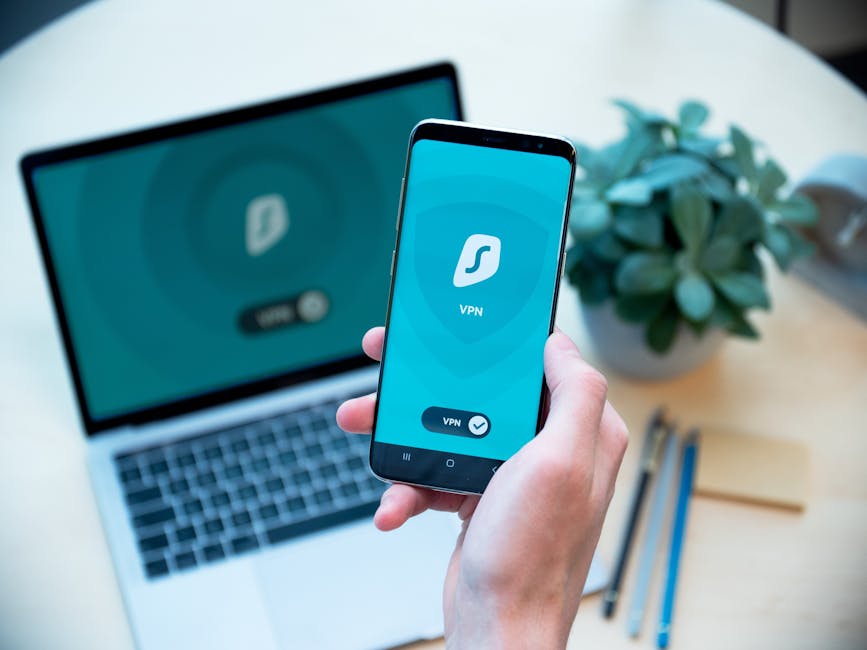
A Virtual Private Network (VPN) is another powerful tool in your privacy arsenal, especially for protecting your internet traffic from your primary devices. While a VPN won't stop your smart speaker from recording your voice, it encrypts your internet connection, making it much harder for your Internet Service Provider (ISP) or other third parties to monitor your online activities. If you're technically inclined, you can even configure a VPN directly on your router to protect all devices connected to it, including some smart devices. When choosing a VPN, prioritize reputable providers with a strict no-logs policy and strong encryption standards. This helps ensure that your internet traffic, at least, remains private from prying eyes beyond the immediate device manufacturers. Understanding that data flows from your device, through your network, and up to cloud servers is critical to appreciating why network security is an integral part of your overall privacy strategy.
Navigating Privacy Policies and Choosing Alternatives Wisely
Let's be honest, reading every privacy policy is a Herculean task, but you don't have to read every word of every document. Instead, adopt a strategic approach. When setting up a new device or app, make it a habit to quickly scan the privacy policy for key phrases related to "data sharing with third parties," "advertising," and "data retention." Look for red flags that indicate broad data collection or sharing practices. Websites like ToS;DR (Terms of Service; Didn't Read) offer community-sourced summaries of privacy policies, highlighting the most important clauses in plain language. This can save you hours and provide crucial insights into what you're agreeing to. If a policy seems overly intrusive or opaque, consider if the device or service is truly worth the privacy trade-off.
Finally, empower yourself by exploring privacy-focused alternatives. For example, instead of a popular smart speaker, consider open-source alternatives if you have the technical know-how, or simply rely on manual controls. Opt for smart home platforms that prioritize local processing over cloud-based data collection, reducing the amount of personal data that leaves your home. Support companies that have a strong track record of privacy and transparency. Sometimes, the most privacy-conscious choice is simply to opt for a "dumb" device—a coffee maker that just brews coffee, or a TV that just displays content, without a microphone, camera, or internet connection. It might mean sacrificing a sliver of convenience, but the peace of mind that comes from knowing your home isn't constantly listening or watching is often an invaluable return. Educating yourself and advocating for stronger privacy laws are also crucial long-term steps, as individual actions combine to create collective pressure for a more privacy-respecting digital future.