Having navigated the intricate and often alarming landscape of smartphone surveillance, it's natural to feel a sense of unease, perhaps even helplessness. The sheer scale of data collection, the opacity of its usage, and the sophisticated nature of the tracking technologies can make protecting your privacy seem like an insurmountable task. However, despair is not the answer. While complete anonymity in the digital age might be an elusive dream, there are concrete, actionable steps you can take to significantly reclaim control over your digital sovereignty and reduce the amount of data your smartphone willingly, or unwillingly, spills.
Reclaiming Your Digital Sovereignty Actionable Steps to Protect Yourself
The journey to enhanced smartphone privacy begins with awareness and a proactive mindset. Think of it as digital hygiene, a set of habits and practices that, when consistently applied, can dramatically shrink your digital footprint and make you a less attractive target for data harvesters. This isn't about ditching your smartphone and retreating to a cabin in the woods; it's about making informed choices and leveraging the privacy tools that are available, even if they sometimes require a little extra effort. Remember, every small step you take to secure your data is a victory in the ongoing battle for personal privacy.
One of the most immediate and impactful actions you can take is to conduct a thorough audit of your app permissions. Many applications request access to your camera, microphone, location, contacts, and photos, often far beyond what's necessary for their core functionality. On both iOS and Android, you have granular control over these permissions. Take the time to go through each app individually and review what it's allowed to access. Ask yourself: Does this weather app truly need access to my microphone? Does this game really need my precise location 24/7? If the answer is no, revoke that permission. You might be surprised by how many apps are silently accessing sensitive parts of your phone without a legitimate reason. This simple act can cut off a significant portion of the data flow from your device.
Taming Location Services and Personal Data
Your location data is one of the most valuable commodities for data brokers and one of the most revealing pieces of information about your life. Both iOS and Android offer robust controls for managing location services. Instead of granting "Always Allow" access, opt for "Allow While Using App" or "Ask Next Time." For apps that genuinely need location, consider using "Precise Location" only when absolutely necessary, otherwise opting for "Approximate Location" to mask your exact whereabouts. Go into your phone's settings and find the "Location Services" or "Privacy & Location" section. Here, you can review a list of all apps that have requested location access and adjust their permissions. For critical apps like maps or ride-sharing, "While Using" is often sufficient. For others, "Never" or "Ask Next Time" is probably the safest bet. Regularly reviewing this list is crucial, as app updates can sometimes reset permissions or introduce new requests.
Beyond app-specific location settings, remember to delve into your operating system's broader privacy controls. For Android users, this means diving into your Google Account settings, specifically the "Data & privacy" section, where you can pause "Location History," "Web & App Activity," and "YouTube History." While pausing these won't stop all data collection, it significantly reduces the amount of personal information Google stores directly linked to your account. For iOS users, examine "Privacy & Security" settings, focusing on "Location Services," "Tracking," and "Analytics & Improvements." Disable options like "Share iPhone Analytics" and "Improve Siri & Dictation" if you're concerned about data being sent back to Apple. These system-level controls are often overlooked but provide a powerful lever for reducing your overall data footprint.
"Privacy is power. What people know about you determines your power over them." - Unknown
Another area often overlooked is the review of advertising identifiers. Both Android and iOS assign a unique, resettable advertising ID to your device. Advertisers use this ID to track your activity across different apps and serve you targeted ads. While you can't prevent apps from collecting *some* data, you can reset this ID periodically to break the link to your past browsing history, making it harder for advertisers to build a persistent profile. On Android, go to Settings > Google > Ads > Reset advertising ID. On iOS, go to Settings > Privacy & Security > Tracking > Toggle off "Allow Apps to Request to Track" and then scroll down to "Advertising Identifier" and tap "Reset Advertising Identifier." This simple action can disrupt the cross-app tracking mechanisms that rely on this persistent identifier.
Embracing Secure Browsing and Network Protections
Your web browser is another significant vector for data leakage. Default browsers like Chrome and Safari, while convenient, are often deeply integrated with their respective ecosystems (Google and Apple) and may not offer the strongest privacy protections out of the box. Consider switching to privacy-focused browsers like Brave, Firefox Focus, or DuckDuckGo. These browsers are designed with built-in ad and tracker blockers, offer stronger fingerprinting protection, and often prioritize on-device processing over cloud-based data collection. Using a privacy-respecting search engine like DuckDuckGo instead of Google also ensures your search queries aren't logged and linked to your profile.
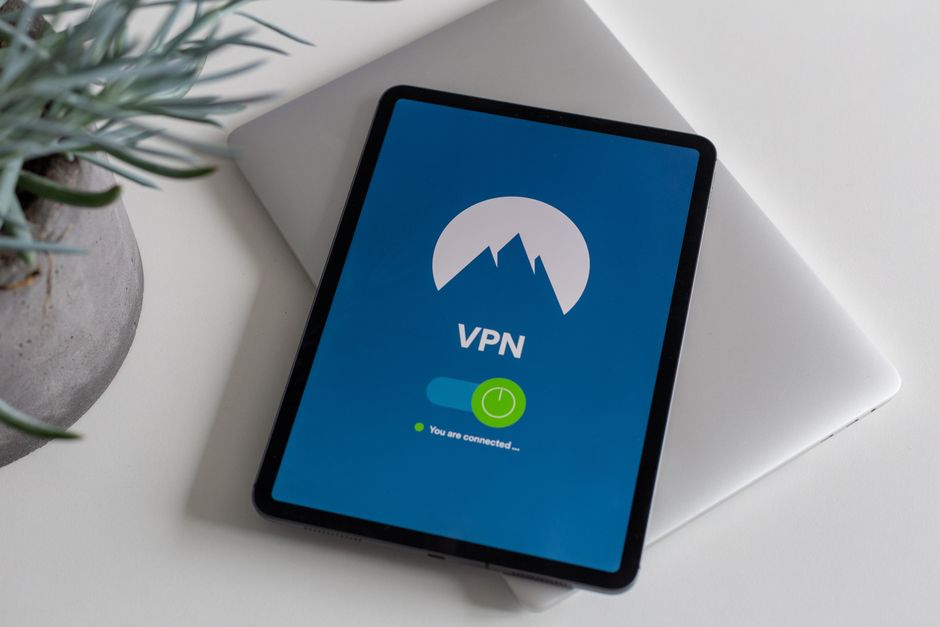
Perhaps one of the most effective tools for enhancing your network privacy is a Virtual Private Network (VPN). A VPN encrypts your internet traffic and routes it through a server operated by the VPN provider, masking your true IP address and making it significantly harder for your internet service provider (ISP), mobile carrier, and third parties to monitor your online activities. When your traffic is encrypted, your carrier can't see the content of your browsing, only that you're connected to a VPN server. When your IP address is masked, websites and trackers see the VPN server's IP, not yours, adding a crucial layer of anonymity. Choose a reputable VPN provider with a strong no-logs policy and robust encryption standards. While a VPN won't stop apps from collecting data you explicitly grant them permission for, it's indispensable for securing your network traffic and masking your online identity.
Finally, don't underestimate the power of basic security hygiene. Keep your smartphone's operating system and all your apps updated regularly. Software updates often include critical security patches that fix vulnerabilities exploited by attackers. Use strong, unique passwords or passphrases for all your accounts, ideally managed with a reputable password manager. Enable two-factor authentication (2FA) wherever possible, adding an extra layer of security beyond just a password. Be wary of public Wi-Fi networks, which can be insecure and susceptible to eavesdropping; always use a VPN when connecting to them. And cultivate a healthy skepticism towards unsolicited links, suspicious emails, and tempting offers – phishing attempts are still a primary vector for compromising devices and stealing data. The battle for digital privacy is ongoing, but by taking these practical steps, you can significantly fortify your defenses and regain a greater sense of control over your digital life.