Reclaiming Your Digital Sanctuary Practical Steps for Smart Device Privacy
Understanding the pervasive nature of smart device surveillance is the first crucial step, but awareness without action leaves us vulnerable. It's time to move beyond feeling exposed and towards actively fortifying our digital sanctuaries. While achieving absolute, ironclad privacy in a hyper-connected world might be an elusive ideal, there are numerous practical, actionable steps you can take to significantly reduce your exposure, regain control over your data, and make your smart devices work for you, rather than against you. Think of it as a multi-layered defense strategy, addressing vulnerabilities at the device level, network level, and even at the level of your own habits and mindset. This isn't about ditching all your smart tech and living off the grid; it's about making informed choices and implementing robust digital hygiene practices that empower you to navigate the modern connected world with greater confidence and security.
One of the most fundamental yet often overlooked areas of vulnerability lies at the very heart of your home network: your Wi-Fi router. This device is the gateway to your entire digital life, and if it's not secured, every smart gadget connected to it becomes an open invitation for trouble. Start by changing the default administrator username and password on your router immediately. These defaults are often publicly known and easily exploited. Next, ensure your router's firmware is always up to date. Manufacturers frequently release security patches to address newly discovered vulnerabilities, and neglecting these updates leaves critical holes in your network's defenses. Look for a router that supports WPA3 encryption for your Wi-Fi network, as it offers stronger protection than older WPA2 standards. Furthermore, consider setting up a separate guest Wi-Fi network for all your smart devices, especially those from less reputable brands. This isolates them from your main network where your computers, smartphones, and sensitive files reside, preventing a compromised smart light bulb from becoming a stepping stone to your personal data. It’s a bit like having a separate, less-secure shed for garden tools, keeping them away from the main house where valuables are stored.
Taming the Talkative Tech Muting Microphones and Camera Covers
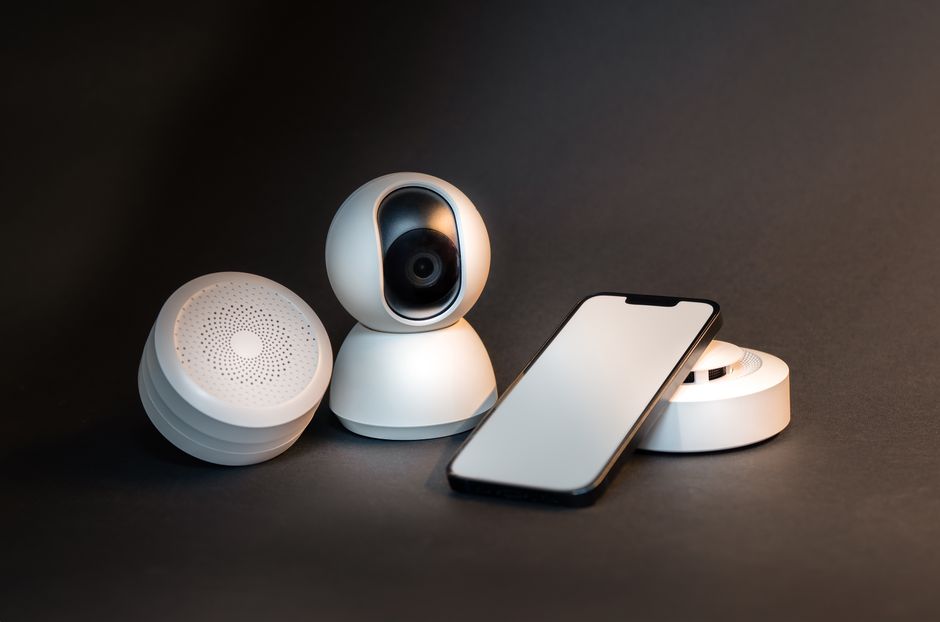
For smart speakers and devices with integrated microphones, the most direct way to limit their eavesdropping potential is to physically mute them whenever they're not in active use. Most smart speakers have a dedicated mute button that electronically disconnects the microphone. Make it a habit to press this button when you're having sensitive conversations, during private moments, or when you simply don't want the device listening for its wake word. While this won't prevent all forms of ambient audio analysis if the device is designed to process sound locally before the mute, it significantly reduces the likelihood of recordings being sent to the cloud. Similarly, for smart cameras, whether they're on your doorbell, within your home, or integrated into a smart display, use physical camera covers when privacy is paramount. Many laptops come with built-in covers, but you can purchase inexpensive stick-on covers for other devices. For external cameras, ensure their field of view is carefully considered, avoiding capturing public spaces unnecessarily. Regularly review the privacy settings within the companion apps for all your smart devices. These settings often allow you to control data collection, microphone access, and footage retention, but they are frequently buried deep within menus and require proactive adjustment. Don't assume the default settings are privacy-friendly; they rarely are.
A crucial part of managing your smart devices' talkativeness is understanding and reviewing app permissions. Just like on your smartphone, companion apps for smart devices often request extensive permissions, sometimes far beyond what's necessary for their core functionality. Why does your smart light bulb app need access to your location or contacts? Scrutinize these permissions carefully and revoke any that seem excessive or irrelevant. Regularly check for updates to the device's firmware and the companion app itself. Developers often release patches to fix security vulnerabilities and improve privacy controls. Neglecting these updates is like leaving your front door unlocked. When choosing new smart devices, prioritize brands with a strong reputation for privacy and security. Do some research, read reviews from privacy advocates, and look for devices that offer local processing of data rather than relying solely on cloud-based analytics. Some devices offer "edge computing," where data analysis happens on the device itself before any potentially sensitive information is sent to a remote server. This significantly reduces the risk of cloud-based breaches and external surveillance. It’s about being a discerning consumer, not just buying the cheapest or most heavily advertised gadget.
The Power of a VPN and Understanding Your Data Rights
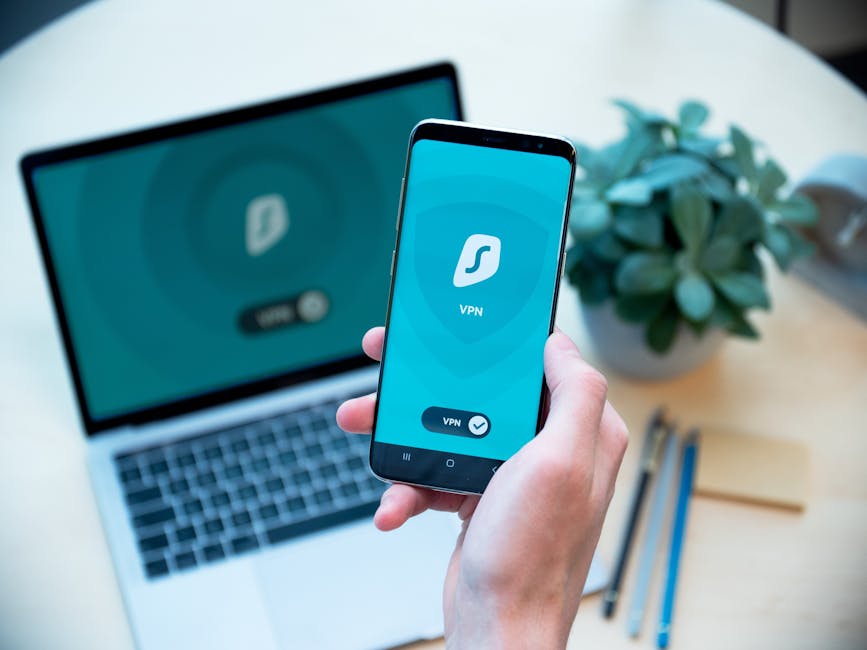
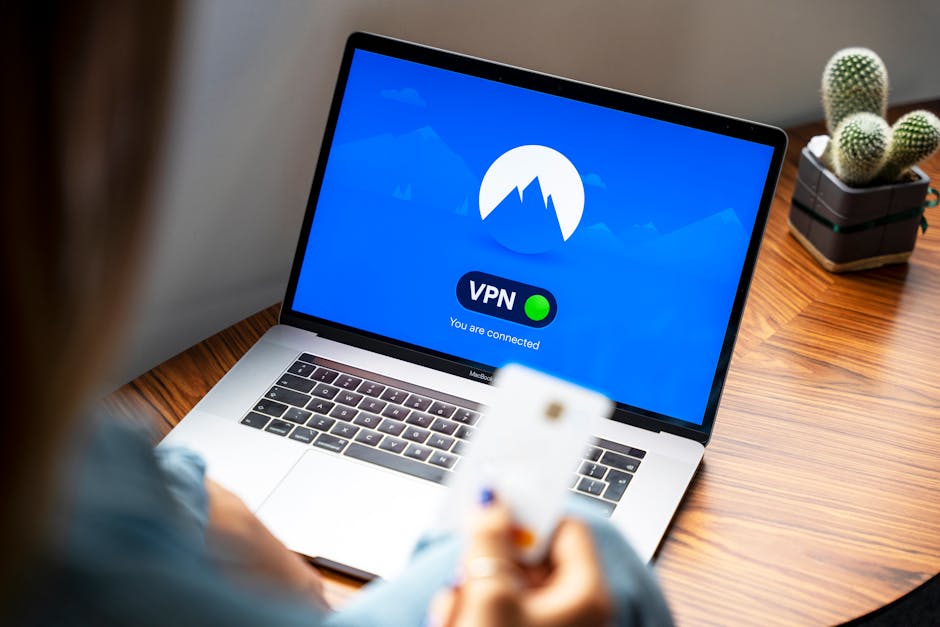
For an added layer of protection for your entire home network, consider implementing a Virtual Private Network (VPN) on your router. While a VPN primarily encrypts your internet traffic and masks your IP address from your internet service provider (ISP) and other third parties, when installed on a router, it extends this protection to *all* devices connected to that network, including your smart devices. This means that even if a smart device is attempting to send data back to its manufacturer or other servers, that data will be encrypted, making it much harder for eavesdroppers to intercept and understand. It also helps to obscure the origin of the data, adding a layer of anonymity to your smart device usage. While a VPN won't stop a device from collecting data locally or if it's designed to send unencrypted data regardless, it's a powerful tool in your overall privacy arsenal, especially for devices that connect to external servers for updates or functionality. Always choose a reputable VPN provider with a strong no-logs policy to ensure your privacy isn't simply shifting from one entity to another.
Finally, empower yourself by understanding your data rights and engaging with privacy policies. While often dense and confusing, take the time to skim the privacy policies of your most used smart devices. Look for clauses about data retention, sharing with third parties, and your ability to access or delete your data. In regions with robust privacy regulations like the GDPR in Europe or the CCPA in California, you have specific legal rights to request access to the data companies hold on you and to demand its deletion. Don't be afraid to exercise these rights. Send data access requests; it sends a clear signal to companies that consumers are paying attention. Regularly prune your digital footprint by deleting old voice recordings from your smart speaker apps and reviewing data retention settings for your fitness trackers and cameras. It's an ongoing process, not a one-time fix. Building a privacy-first mindset means questioning every new smart device's data collection practices, understanding the trade-offs, and taking proactive steps to minimize your exposure. The convenience of smart technology is undeniable, but it should never come at the cost of your fundamental right to privacy and control over your own life. By taking these practical steps, you can begin to reclaim your digital sanctuary and ensure your smart devices truly serve you, rather than silently surveying your every move.